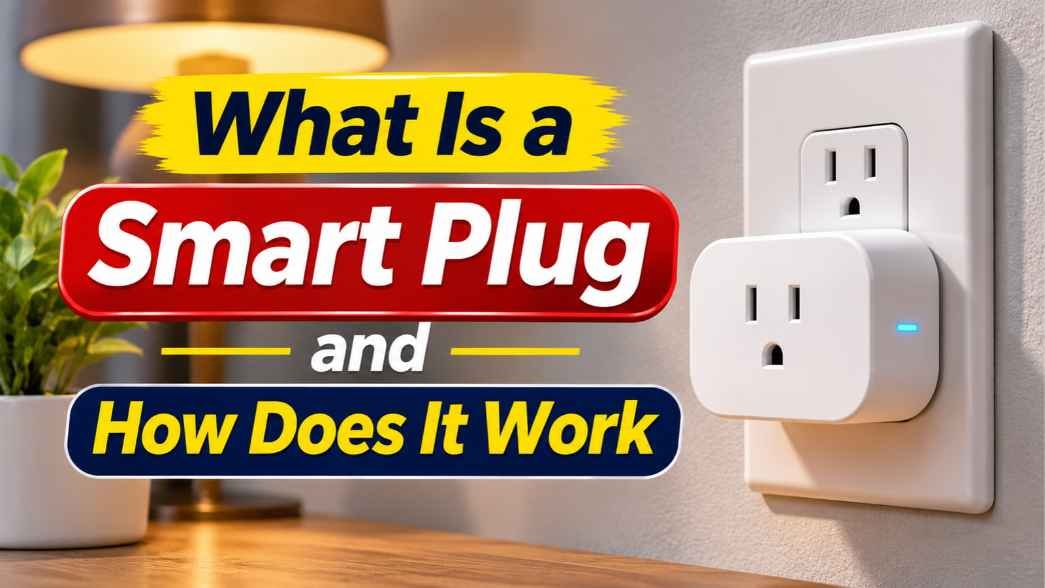
What is a smart plug? It is a small adapter that sits between a wall outlet and a regular plug. You plug a lamp, fan, or other device into it. Then you turn that device on or off from your phone, a timer, or your voice.
Quick answer: A smart plug is an outlet adapter that connects to Wi-Fi, Bluetooth, or a smart home hub. It switches power on and off for whatever is plugged into it. You control it with an app, a schedule, or a voice assistant like Alexa or Google Assistant. It works best with lamps, fans, and small appliances.
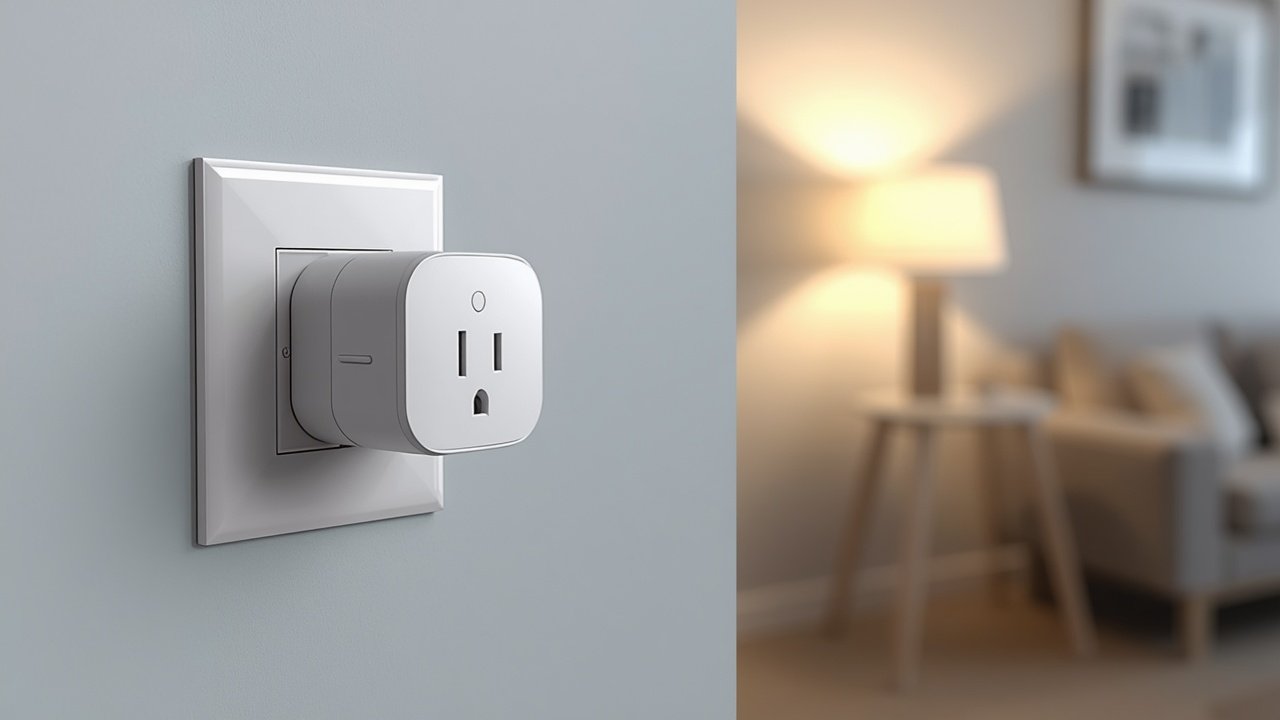
What Is a Smart Plug? A Simple Definition
A smart plug has a normal plug on the back and an outlet on the front. The back goes into the wall. The front takes the plug of your lamp, fan, or other device. Inside is a small switch and a chip that listens for commands.
The plug does not make your lamp smarter on its own. It only controls the power. When the plug sends power, the lamp lights up. When it cuts power, the lamp goes dark. This simple job still covers timers, away-from-home lighting, and hands-free control.
You may also see smart plugs called smart outlets, Wi-Fi plugs, or smart sockets. The names differ, but the job is the same. If you want product ideas, see our list of the best smart outlet plug picks.
How Does a Smart Plug Work?
A smart plug works like a remote-controlled switch. It has three main parts.
- A relay, which is a small switch that opens and closes the power path to your device.
- A chip that reads commands and decides what the relay should do.
- A radio that listens for those commands. It may use Wi-Fi, Bluetooth, Zigbee, Z-Wave, or Thread.
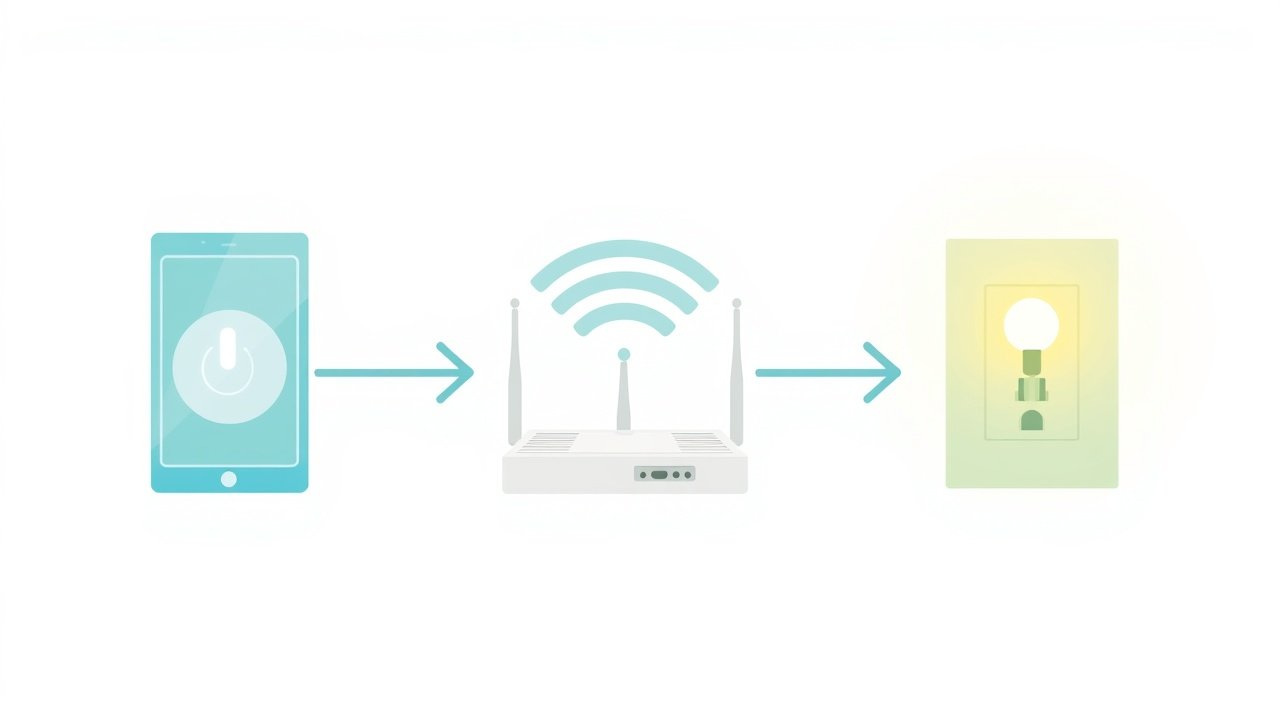
What happens when you tap “On” in the app
- You tap the button in the app, or you say a voice command.
- The command travels over your home Wi-Fi. With many Wi-Fi plugs, it first goes through the maker’s cloud server. Some plugs can also work on your home network alone.
- The chip inside the plug reads the command.
- The relay closes, and power flows to your device.
- The plug reports its new state, and the app shows “On.”
How schedules and timers work
You set a schedule in the app, such as “turn on at 6 pm, turn off at 11 pm.” Some plugs store the schedule inside the plug. Others run it from the cloud. Check the product page to see which one you have. A stored schedule can keep running even when your phone is off.
Types of Smart Plugs by Connection
The connection type decides if you need a hub, how far the plug reaches, and which apps it supports. On a phone, swipe the table left to see every column.
| Connection | Needs a hub? | Good for | Watch out for |
|---|---|---|---|
| Wi-Fi | No | Easy setup and control from anywhere | Many models use 2.4 GHz only |
| Bluetooth | No | Simple setups close to your phone | Short range, and remote control may need extra gear |
| Zigbee | Yes | Homes with many smart devices | Needs a compatible hub |
| Z-Wave | Yes | Homes with a Z-Wave hub | Needs a compatible hub |
| Thread and Matter | Needs a Matter controller | Mixing brands and apps | Check the box for the Matter logo |
Matter is a shared standard from the Connectivity Standards Alliance. It helps devices from different brands work together. If you want local control with Home Assistant, read our guide to the best smart plugs for Home Assistant.
What Can You Plug Into a Smart Plug?
Any plug-in device that uses less power than the plug’s rating can work. These are the most common picks.
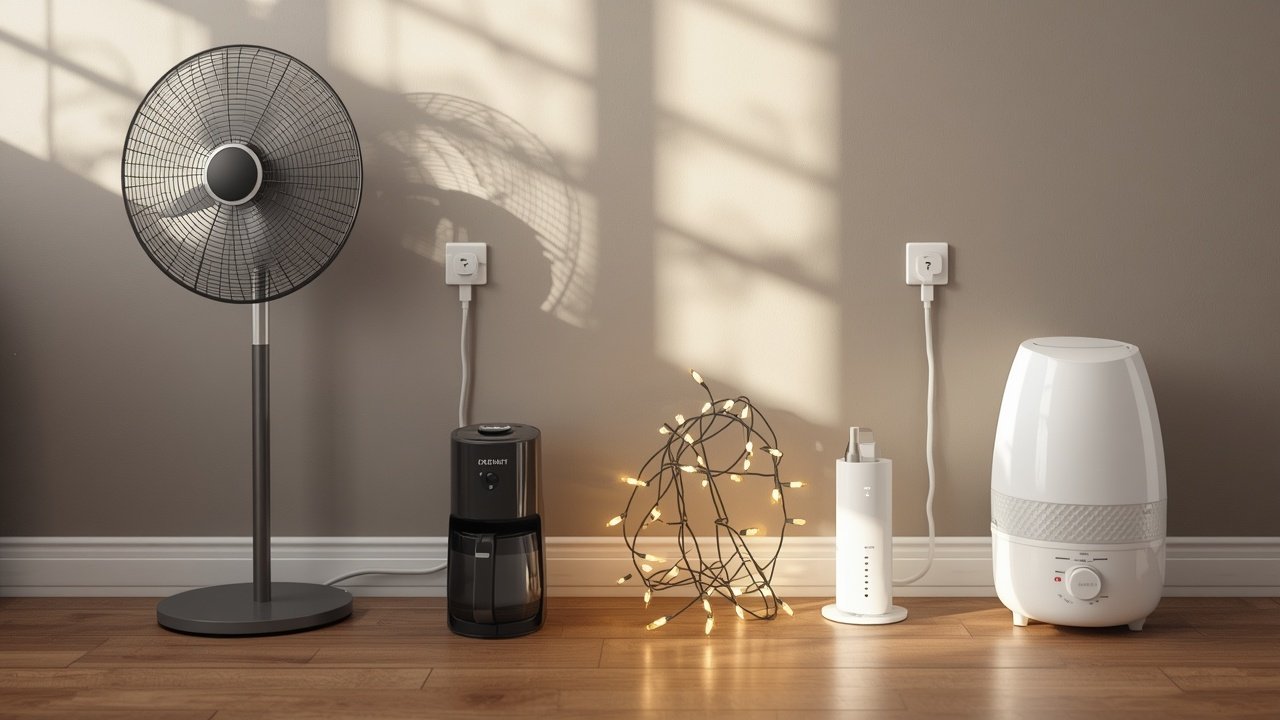
- Table lamps and floor lamps.
- Fans and small air purifiers.
- Humidifiers and aquarium lights.
- Holiday string lights and other decor.
- A coffee maker that starts brewing as soon as it gets power.
- Phone and tablet chargers, if you want them off at night.
Check the watts on your device label first. Many plugs are rated 10 A (1200 watts) or 15 A (1800 watts). Your device must use less than the plug’s rating.
Devices that need extra care
- Space heaters. Many use 1500 watts, and many makers say to plug them straight into the wall. Read the heater manual first.
- Window air conditioners and other large appliances. Many exceed a standard plug’s rating.
- Freezers and medical equipment. An accidental “off” could cause harm, so leave these on a normal outlet.
What a Smart Plug Can and Cannot Do
What a smart plug can do
- Turn a device on and off from an app, a timer, a schedule, or your voice.
- Join routines, like turning on a lamp at sunset or turning off everything at bedtime.
- Make your home look lived in while you are away.
- Show how much power a device uses, if the model has energy monitoring.
- Share control with family members through the app.
What a smart plug cannot do
- Control a hardwired ceiling light or ceiling fan. These need a smart switch or smart bulb.
- Dim a lamp. A basic smart plug only switches power on and off.
- Start a device that needs a button press after power returns. Many TVs go to standby instead of turning on.
- Join 5 GHz Wi-Fi, if it is a 2.4 GHz-only model.
- Handle a device that uses more watts than its rating.
- Work outdoors unless the box says it is made for outdoor use.
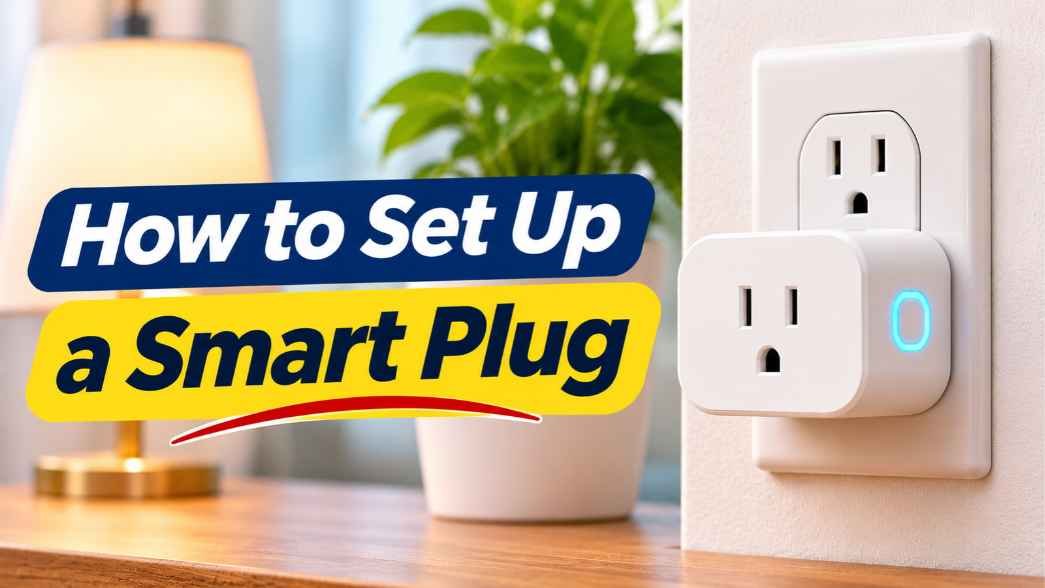
How to Set Up a Smart Plug
Setup takes a few minutes and needs no tools. The steps are nearly the same for most Wi-Fi models.
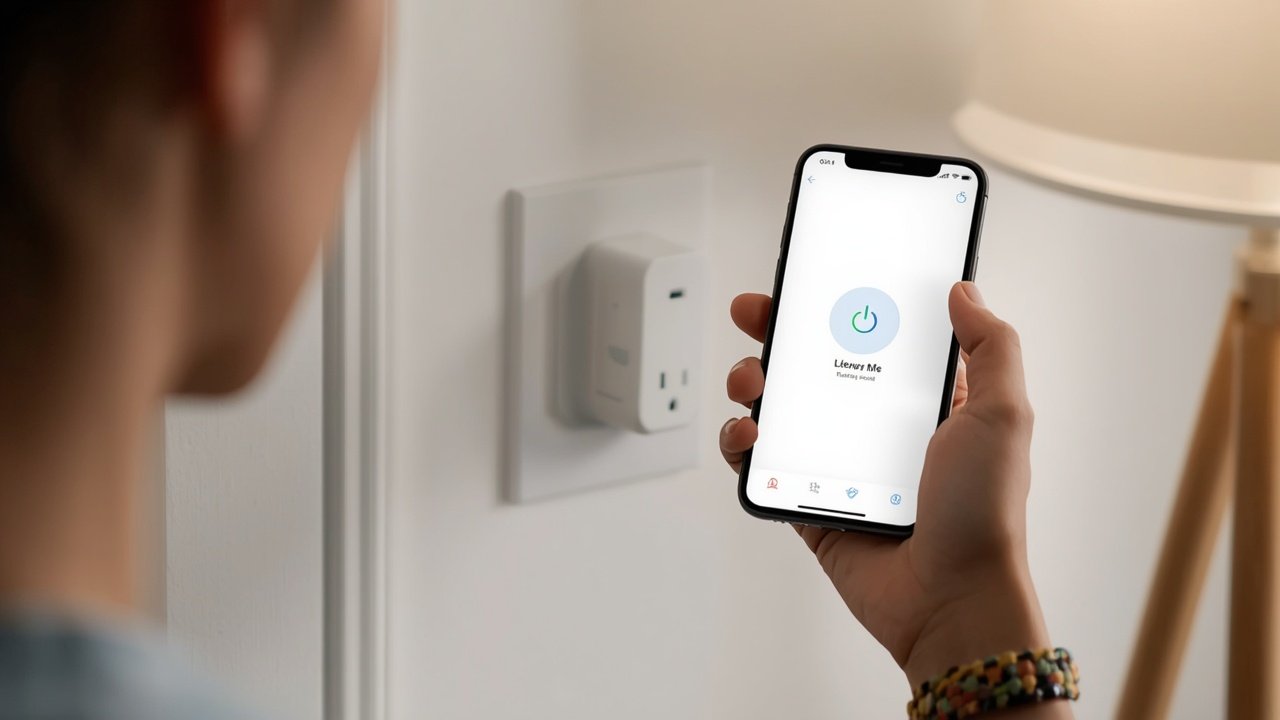
- Check the box for the connection type, the watt rating, and the app name.
- Push the plug into a wall outlet. Wait for the light to blink. That blink usually means pairing mode.
- Install the maker’s app and create an account.
- Connect your phone to your 2.4 GHz Wi-Fi network if the plug needs it. Stay close to the router.
- Tap “Add device” in the app and follow the steps.
- Give the plug a short, clear name, like “bedroom lamp.”
- Plug your device into the smart plug. Leave the device’s own switch in the “on” position.
- Test the on and off buttons in the app.
- Link the plug to Alexa, Google Assistant, or Apple Home if you want voice control.
- Add a schedule or a routine.
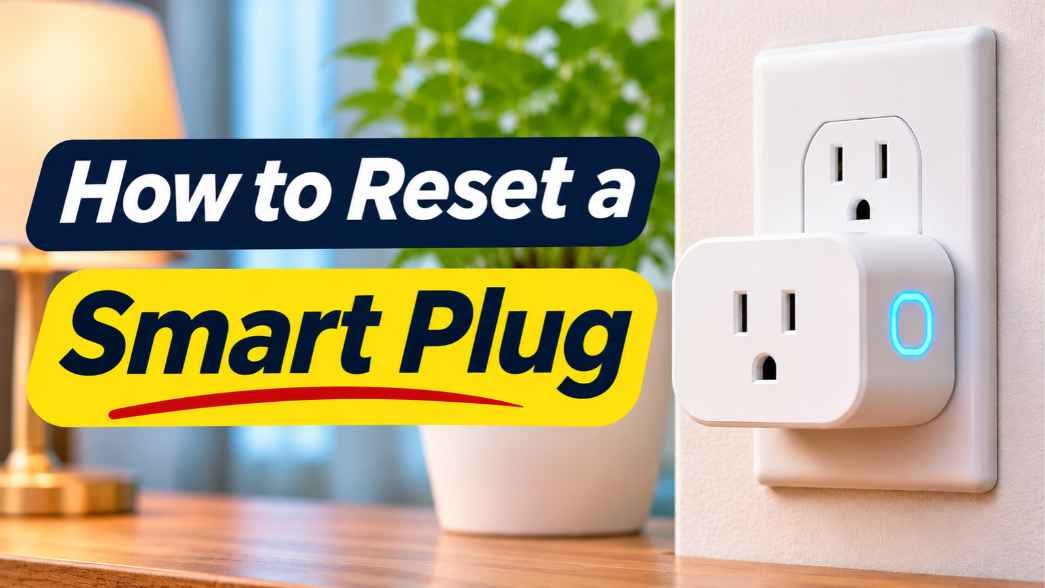
If setup fails, move closer to the router and check that your phone is on 2.4 GHz Wi-Fi. Most plugs also have a reset button. Your manual shows how long to hold it. The steps for smart lights are close to these. See our guide on how to set up smart lighting.
Smart Plug Features to Look For
Two plugs can look the same and act very differently. This table shows what to check before you buy.
| Feature | What it means | Why it matters |
|---|---|---|
| Watt and amp rating | The most power the plug can handle | Your device must use less than this number |
| Connection type | Wi-Fi, Bluetooth, Zigbee, Z-Wave, or Thread | Decides if you need a hub |
| Voice assistant support | Works with Alexa, Google Assistant, or Apple Home | Lets you use voice commands |
| Schedules and timers | Runs on and off times for you | Handy for lamps, fans, and holiday lights |
| Energy monitoring | Shows how much power a device uses | Helps you find devices that waste power |
| Size and shape | How much space the plug takes on the outlet | A bulky plug can block the second outlet |
| Safety listing | A mark such as UL or ETL | Shows the plug passed outside safety testing |
| Power outage behavior | What the plug does when power returns | Some return to “on,” some stay off, and some let you choose |
Ready to pick one? Start with our best smart outlet plug list.
Do Smart Plugs Use Power or Save Energy?
A smart plug uses a little power itself, because it stays connected so it can hear your commands. Earth911 puts this at roughly 1 to 2 watts per plug.
Savings come from cutting standby power. This is the power a device draws while it is off but still plugged in. The Department of Energy estimates it makes up 5% to 10% of home energy use, as EnergySage explains. A plug on a TV setup that sits in standby all night can help. A plug on an LED lamp saves almost nothing.
For smart lights, our post on whether smart lights use more electricity has the standby numbers.
Smart Plug Safety Tips
- Check the device’s watts and keep them below the plug’s rating.
- Buy a plug with a safety mark such as UL or ETL.
- Do not plug extension cords into one another. The Electrical Safety Foundation International gives this same advice.
- Do not stack several smart plugs on one outlet if they block each other or get warm.
- Use indoor plugs indoors only.
- Keep the plug and its cord away from rugs, curtains, and water.
- Use a strong password for the app account, and turn on two-step login if the app offers it.
- Install app and firmware updates when they appear.
Safety note: If a plug feels hot, smells odd, or sparks, unplug it and stop using it. Do not use a smart plug for anything where losing power could hurt someone.
Smart Plug Pros and Cons
Pros
- Easy setup with no tools or wiring.
- Works with devices you already own.
- Safe choice for renters, since you can take it with you.
- Gives you timers, schedules, and voice control.
- Some models show how much power a device uses.
- Helps cut standby power on devices that draw it.
Cons
- It only switches power on and off.
- Watt limits rule out heaters and large appliances.
- A bulky plug can block the second outlet.
- You need an app and an account.
- Many models rely on Wi-Fi, and some on the maker’s cloud.
- Some devices need a button press after power returns.
- The plug adds a small standby draw of its own.
Smart Plug or Smart Switch: Which One Fits?
Use a smart plug for anything that plugs into an outlet. Use a smart switch for lights and fans that are wired into the wall or ceiling. A smart switch means working with house wiring, so many people hire an electrician. Our full comparison of smart plug vs smart switch shows the differences in install, wiring, and power limits.
Frequently Asked Questions
What is a smart plug used for?
It is used to control a plug-in device from your phone, a timer, or your voice. Common uses are lamps, fans, humidifiers, holiday lights, and coffee makers.
How does a smart plug work with Alexa or Google Assistant?
You set up the plug in its own app first. Then you link that app to Alexa or Google Assistant. After that, you can say a command like “turn on the lamp.”
Does a smart plug need Wi-Fi?
Not always. Wi-Fi plugs need it. Bluetooth plugs work close to your phone. Zigbee and Z-Wave plugs need a hub instead of Wi-Fi on the plug itself.
Do I need a hub for a smart plug?
Wi-Fi and Bluetooth plugs do not need a hub. Zigbee and Z-Wave plugs do. The box tells you which one you have.
Can a smart plug make any device smart?
It makes the power smart, not the device. It works best with devices that start when they get power. A device that needs a button press after power returns may stay off.
Is it safe to leave a smart plug plugged in all the time?
Smart plugs are made to stay plugged in. Pick one with a safety mark such as UL or ETL, and keep your device under the plug’s watt rating.
Do smart plugs work when the Wi-Fi is down?
Remote control from your phone usually stops. Some plugs keep running a stored schedule, and the button on the plug still works by hand. This depends on the model.
Can I use a smart plug with a space heater?
Only if the plug is rated higher than the heater’s watts and the heater maker allows it. Many heaters use 1500 watts, and many makers say to plug them straight into the wall. Read the heater manual first.
Can a smart plug control a ceiling light?
No. A ceiling light is wired into the wall, not plugged into an outlet. You need a smart switch or a smart bulb for it.
Can I use a smart plug outdoors?
Only if the box says it is made for outdoor use. Indoor plugs are not built for rain or cold.
Final Verdict: Is a Smart Plug Worth It?
A smart plug is a good first step into smart home gear. It needs no wiring, it works with lamps and fans you already own, and you can move it to a new home. Match the plug to your Wi-Fi band, your voice assistant, and the watts of your device. A single lamp is a simple first test.