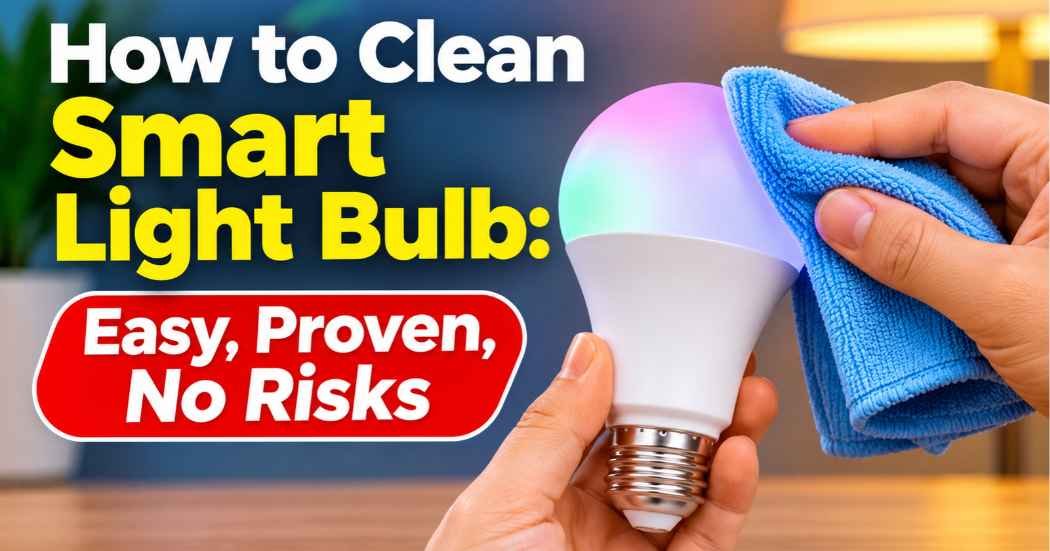
How to clean smart light bulb safely is a simple job. Switch the bulb off. Let it cool. Wipe it with a dry microfiber cloth. That removes dust and fingerprints without harming the electronics inside.
A smart bulb is not a plain glass bulb. It holds a small circuit board and a radio chip. Water, sprays and hard rubbing can damage them. This guide shows the safe way to clean a smart bulb, step by step.
You will see what to use, what to avoid and how often to clean. You will also learn how to tell dirt from a real fault. That way you do not blame the bulb for the wrong problem.
Quick answer: Turn the bulb off at the switch. Wait 20 to 30 minutes for it to cool. Unscrew it and hold it by the base. Wipe the glass with a clean, dry microfiber cloth. For a sticky spot, use a cloth that is barely damp and wring it out well. Never spray the bulb or wet the metal base. Let it dry fully before you screw it back in. Clean it every 3 to 6 months, or sooner in dusty rooms.
Why You Should Clean a Smart Bulb
Dust sits on the glass and blocks light. The bulb looks dimmer and the colors look dull. Makers of LED lights also warn that dust build-up can cut light output and cause overheating.
Smart bulbs add one more reason. Their electronics do not like grime or damp. A clean, dry bulb runs better and lasts longer. Dust on a smart bulb is also easy to remove when you catch it early.
Look for these signs that a bulb needs cleaning:
- The light looks dimmer, but the brightness in the app has not changed.
- You can see dust or a gray film on the glass.
- The glass feels greasy or sticky, which is common in kitchens.
- There are fingerprints or smudges after installation.
- Bugs or cobwebs sit inside an open fixture.
What You Need Before You Start
Most jobs need very little. Gather these items first:
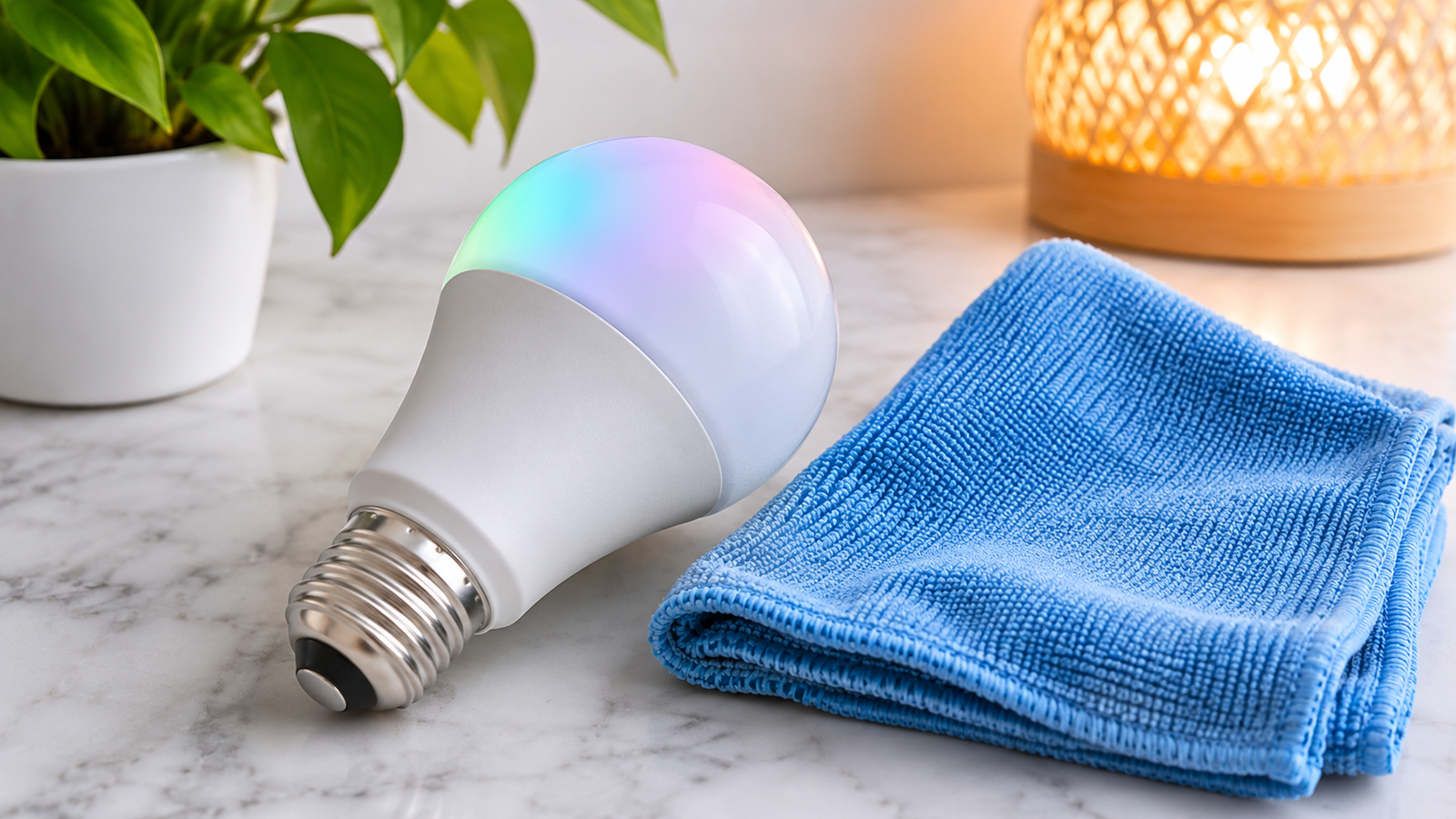
- A clean, dry microfiber cloth. Keep a second one for a barely damp wipe.
- A soft, dry brush or a dusting glove for tight spots.
- A cotton swab for small bulbs and narrow gaps.
- Clean cotton gloves, if you want to avoid fingerprints.
- A sturdy step stool for high fixtures.
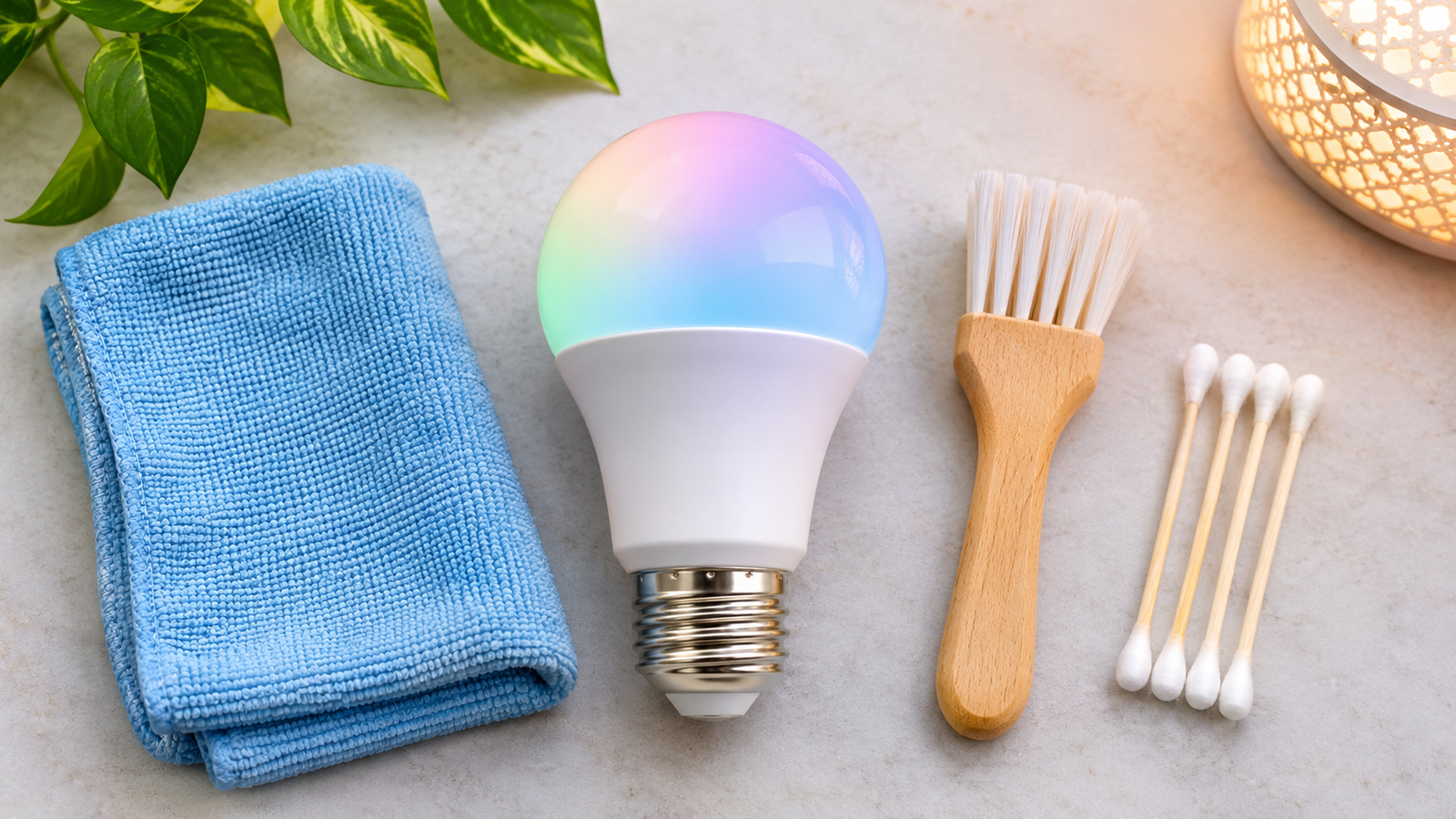
Keep liquids out of reach at first. A dry microfiber cloth does the job on most bulbs. Cleaning solutions and water can harm the glass and the electronics.
How to Clean Smart Light Bulb: Step-by-Step Guide
Follow these steps in order. They work for Wi-Fi, Bluetooth, Zigbee and other types of smart bulbs.
Step 1: Turn Off the Bulb and Cut the Power
Use the wall switch or the lamp switch. Unplug the lamp if you can. Do not rely on the app. Many smart bulbs stay powered in standby when the app says they are off.
Important: Do not flick the switch on and off many times. Many smart bulbs reset when you flick the wall switch in a set pattern. If you flick it too often, you may have to set the bulb up again. Switch it off once, then leave it.
Step 2: Let the Bulb Cool
Wait at least 20 minutes. Wait 30 if the bulb was on for hours. LED bulbs run cooler than old bulbs, but they still get warm. Hold your hand near the bulb. If you feel heat, wait longer.
Step 3: Remove the Bulb
Twist the bulb counterclockwise with a gentle grip. Hold it by the base. Do not squeeze the glass. If the fixture is high, use a stable step stool. Ask someone to hold it steady.
Step 4: Dust the Bulb Dry
Wipe the glass with a dry microfiber cloth. Use light, even strokes. Do not press hard. Use the soft brush or a cotton swab around the base and in any grooves. Dry cleaning is enough for most bulbs.
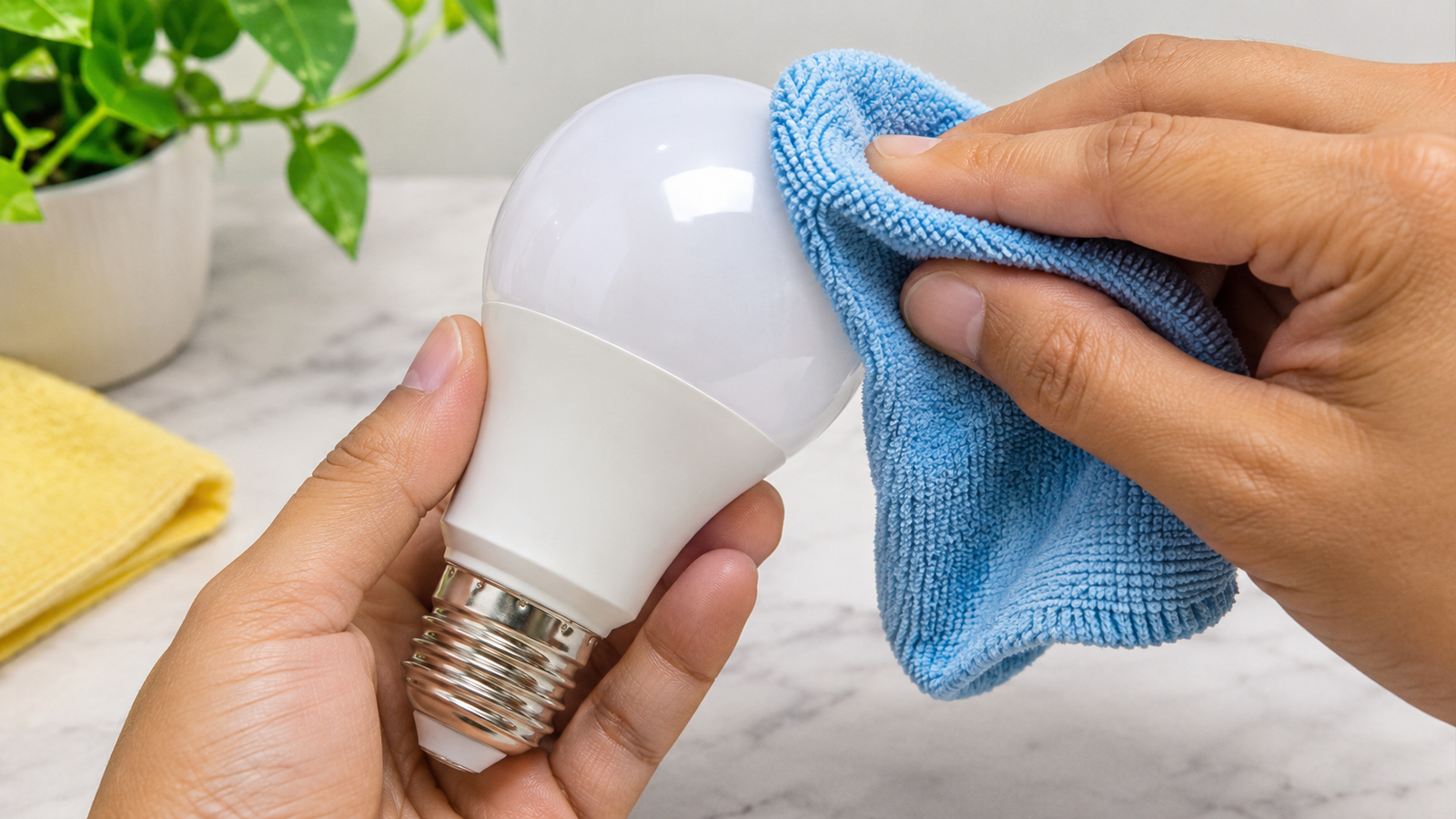
Step 5: Remove Stuck Grime Only If Needed
Some dirt will not lift with a dry cloth. Dampen a clean cloth with a little water. Wring it out until it is barely damp. Wipe the glass only. Keep the cloth away from the metal base and any vents.
For greasy glass, add one tiny drop of mild dish soap to the cloth. Then wipe again with a clean, barely damp cloth. Finish with a dry cloth.
Check your manual first. Some makers allow only a dry cloth. The Philips Hue quick start guide says to use a dry cloth and no cleaning agents.
Step 6: Clean the Fixture and Socket Area
While the bulb is out, dust the shade, the lamp body and the socket opening. Use a dry cloth or brush. Never put liquid inside the socket.
Step 7: Dry, Reinstall and Test
Let any damp spot air dry. The glass and base must feel fully dry. Screw the bulb in until it is snug. Do not overtighten it. Turn the power back on.
Wait a minute. Most bulbs reconnect to your hub or Wi-Fi on their own. If yours does not, check the wall switch and your router. The troubleshooting table below can help.
How to Clean Different Smart Bulb Types
Bulbs come in many shapes. The method stays the same, but each type needs a little extra care.
| Bulb type | Best way to clean | Extra care |
|---|---|---|
| Standard frosted bulb | Dry microfiber wipe with light, even strokes | Do not rub in hard circles. It can leave streaks. |
| Clear or filament-style bulb | Dry cloth, held by the base | Fingerprints show more. Do not press on the thin glass. |
| Color (RGB) bulb | Dry cloth, then check the light at low brightness | Smudges show most at low brightness. Wipe until clear. |
| Candle and small-base bulb | Cotton swab or soft brush | The bulb is small. Use a gentle grip. |
| Spotlight or recessed bulb | Wipe the front lens with a dry cloth | Keep the cloth away from the pins and base. |
| Outdoor or flood bulb | Wipe the lens and cover. Brush off pollen and bugs. | Make sure the fixture is fully dry before you turn the power on. |
What Not to Use on a Smart Bulb
Most damage happens at this step. People reach for a spray or a wet cloth. Avoid these items:
| Do not use | Why it is a problem | Use this instead |
|---|---|---|
| Spray or glass cleaner | Liquid can seep into gaps and reach the electronics | A dry microfiber cloth |
| A wet or dripping cloth | Water can run into the base and vents | A cloth wrung out until barely damp |
| A rinse under the tap | Water can enter the bulb and wreck the circuit | A wipe on the glass only |
| Scouring pads or rough cloths | They scratch glass and plastic | Soft microfiber |
| Strong chemicals such as bleach, ammonia or solvents | They can cloud or damage the surface | Plain water or mild soap on a cloth, if your manual allows |
| Cleaning while the bulb is hot or powered | Risk of burns and electric shock | Switch off, wait, then clean |
What about rubbing alcohol? A study of LED road lights found that 70 percent isopropyl alcohol worked well on glass lenses. A bulb is different from a road light. Use alcohol only if your manual allows it. Put it on the cloth, never on the bulb. Wipe the glass only.
How Often Should You Clean Smart Bulbs?
Clean smart bulbs when you see dust, and on a regular schedule. Use this table as a rule of thumb. It is not a maker’s rule.
| Where the bulb is | Clean about every | Why |
|---|---|---|
| Bedroom, living room or office | 3 to 6 months | Dust builds up slowly |
| Kitchen | 1 to 2 months | Grease and steam stick to the glass |
| Bathroom | 1 to 2 months | Moisture and steam, so dry everything well |
| Garage, workshop or a home with pets | Every month | Dust and hair build up faster |
| Outdoor fixtures | 1 to 3 months | Pollen, bugs and rain splash |
| Near open windows or building work | Every month | Extra dust drifts in |
Is It Dirt or a Real Problem?
Cleaning fixes dust. It does not fix a faulty bulb. Use this table to tell the difference.
| What you see | Likely cause | What to do |
|---|---|---|
| The bulb looks dim but the app shows full brightness | Dust or a film on the glass | Clean it with the steps above. If dimming still acts up, read our guide to the best dimmable smart bulb options. |
| The bulb flickers | Often a loose bulb or a dimmer switch that does not match the bulb | Check that the bulb is snug. Check that your dimmer works with LED smart bulbs. |
| The bulb shows offline in the app | The wall switch is off, or the router has a problem | Turn the wall switch on. Restart your router. Then check the app. |
| Colors look patchy or wrong | Smudges or the wrong scene in the app | Wipe the glass, then check your scene. See our best LED color changing light bulb picks if the bulb is old. |
| Dirt is inside the glass | The bulb is sealed, so you cannot clean it | Do not open it. Replace the bulb or contact the maker if it is under warranty. |
Pros and Cons of Cleaning Smart Bulbs Regularly
| Pros | Cons |
|---|---|
| The light looks brighter and the colors look cleaner | It takes a few minutes for each bulb |
| Less dust means less trapped heat | High fixtures may need a step stool |
| It costs almost nothing. A cloth is enough. | Liquids can damage the bulb if you use too much |
| You spot loose or cracked bulbs early | Flicking the switch too often may reset some bulbs |
| It keeps the fixture and shade clean too | You must wait for the bulb to cool first |
Safety Tips for Cleaning Smart Bulbs
- Never clean a bulb with wet hands.
- Use a stable step stool. Do not stand on a chair.
- Do not touch a bulb that feels hot.
- Do not clean a cracked bulb. Replace it.
- Keep children and pets away while you work.
- Do not use a fixture that looks damaged or loose.
Related Smart Lighting Guides
Once your bulbs are clean, you may want to upgrade or add more lights. Read our guides to the best tunable white smart bulb picks and the best LED RGB light strips. If you like easy home care, see how to clean an automatic litter box too.
FAQs: How to Clean Smart Light Bulb
Can I clean a smart light bulb with water?
Do not rinse it or soak it. Water can reach the circuit board. If dirt will not come off, use a cloth that is barely damp. Wipe the glass only and keep the base dry. Check your manual first, since some makers allow only a dry cloth.
Do I have to unscrew the bulb to clean it?
It is the safest way. You can hold the bulb by the base and reach every side. If you cannot remove it, switch the power off, let it cool and wipe it in place with a dry cloth.
Will cleaning reset my smart bulb?
Cleaning itself will not reset it. Resets happen when you flick the switch in a set pattern or reset the bulb in the app. Switch the power off once, clean the bulb and switch it back on.
Can I use rubbing alcohol on a smart bulb?
Only if your manual allows it. Put a little on a cloth. Never spray it on the bulb. Wipe the glass only and let it dry fully.
How do I remove dust from a smart bulb in a tight fixture?
Turn the power off and let the bulb cool. Use a soft, dry brush or a dusting glove. A cotton swab helps near the base. Do not push dust into the vents.
How do I remove fingerprints from a smart bulb?
Hold the bulb by the base. Wipe the glass with a dry microfiber cloth. For an oily print, use a barely damp cloth, then dry it. Use clean cotton gloves when you install bulbs to avoid new prints.
Does a dirty smart bulb use more power?
No, dust on the glass does not make the bulb draw more power. It blocks some light, so the room looks dimmer. Dust can also trap heat, which is bad for LED parts.
How long should I wait before I clean a bulb?
Wait at least 20 minutes after you switch it off. Wait 30 if it was on for hours. Never clean a bulb while it is on.
How to Clean Smart Light Bulb: Quick Checklist
- Turn off the power once. Do not flick the switch.
- Wait 20 to 30 minutes.
- Unscrew the bulb and hold it by the base.
- Wipe it with a dry microfiber cloth.
- Use a barely damp cloth only for stuck grime, and only if your manual allows.
- Dry the bulb fully and screw it back in.
- Turn the power on and check the connection.