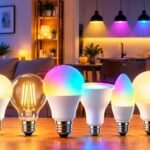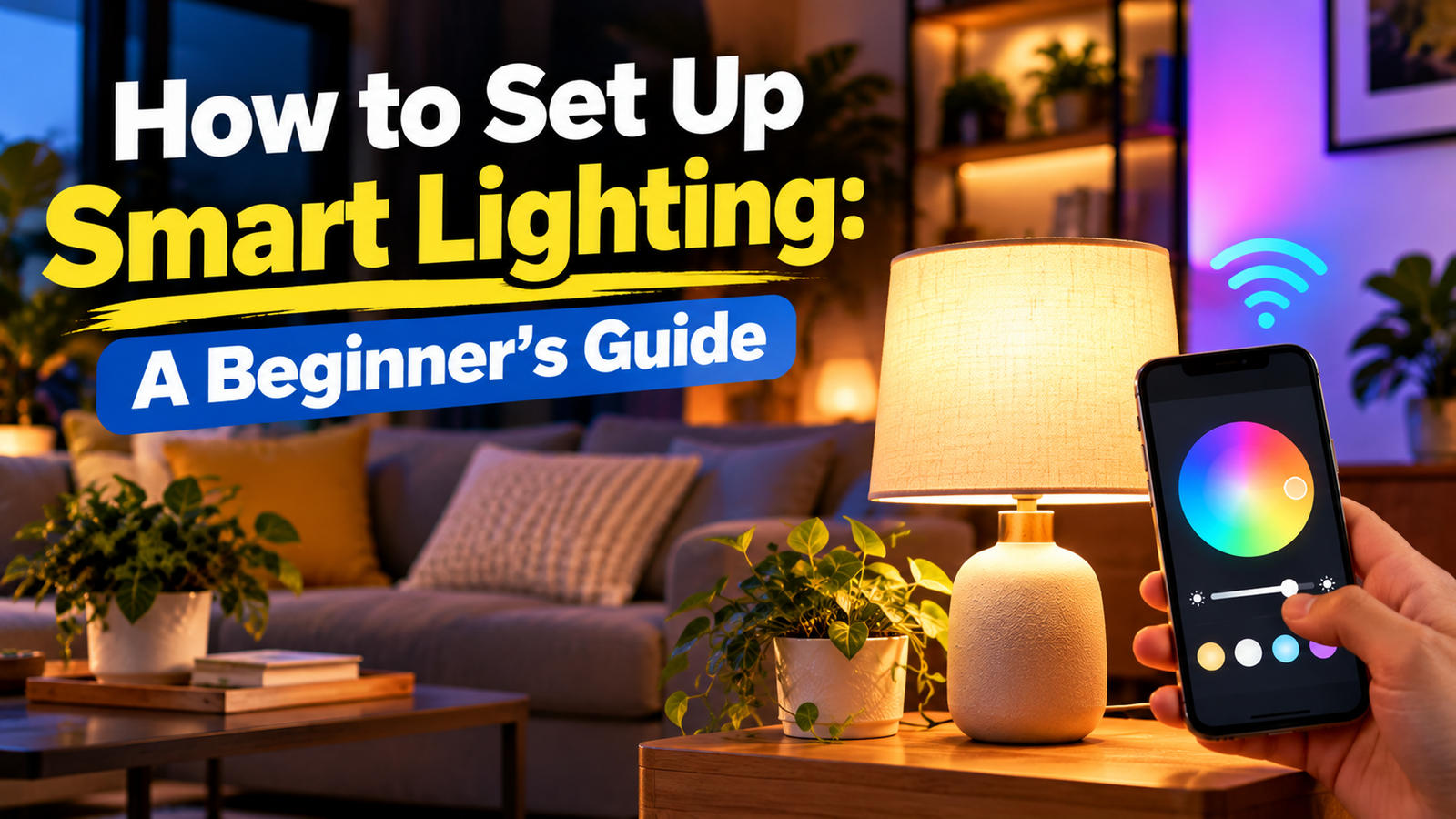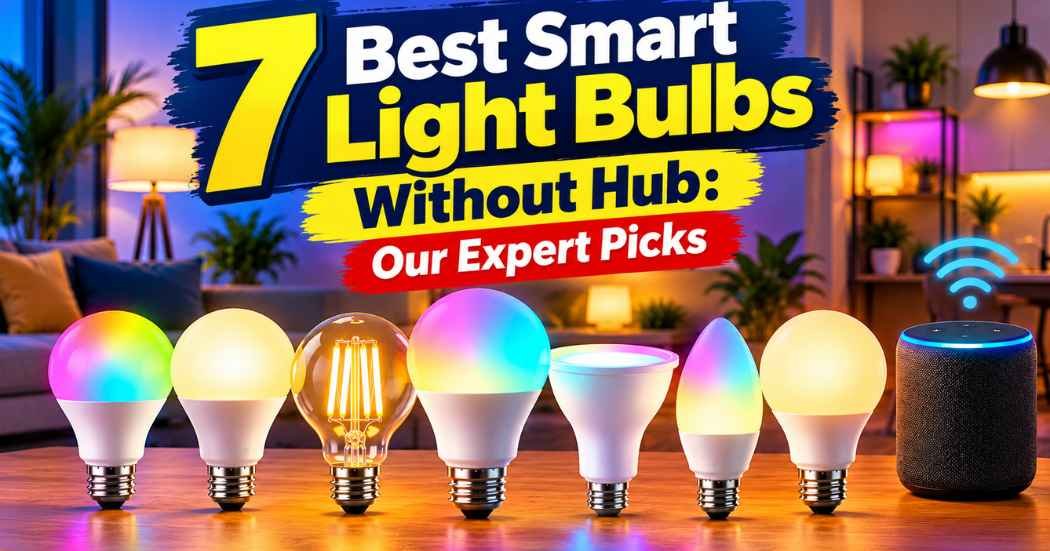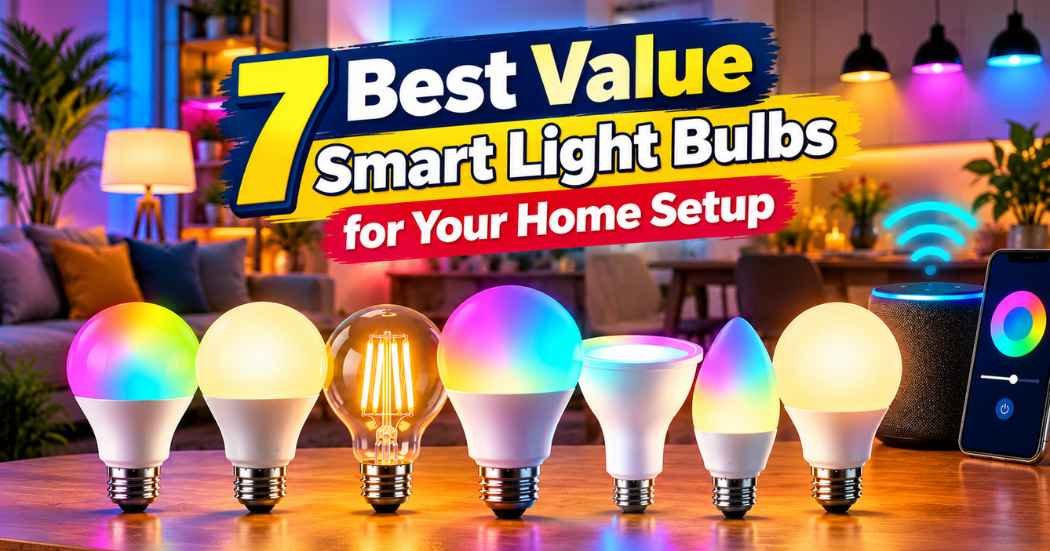
Choosing the right smart bulbs is about balancing your home network setup with the features you actually need. Whether you want simple voice commands, complex automation routines, or the brightest possible light, the options below highlight how these devices differ in connectivity and control.
Best overall: Kasa Multicolor KL125P4 offers a reliable app experience and easy voice integration, making it the most straightforward choice for anyone wanting to start their smart home journey without hassle. Most versatile: Govee RGBWW A19 provides high brightness and extensive scene modes, perfect for users who want to customize their lighting environment for different activities throughout the day. Best for automation: WiZ Full Color excels at hands-free scheduling and motion-based lighting, ideal for those who prefer their home to manage its own ambiance without constant manual input.
This guide is for anyone looking to upgrade their home lighting with smart technology.
How We Picked
We compared 48 different Amazon listings to identify the best smart light bulbs for various home setups. To earn a spot, each product had to clearly state its connectivity requirements, brightness in lumens, and compatibility with major smart home platforms. We excluded any bulbs that lacked clear specifications on their app functionality or setup process. Our picks focus on hardware reliability and the manufacturer’s stated features, ensuring that the information provided reflects the actual capabilities listed by the sellers.
1. Kasa Multicolor Dimmable Wi-Fi Smart Bulb

Best for: Beginners wanting a simple, reliable smart home setup.
The Kasa Multicolor KL125P4 focuses on ease of use through the Kasa smart app. You can dim the lights or change colors from your phone, which helps create the right mood without needing a separate hub. Because this bulb connects directly to your existing network, you avoid the complexity of installing additional bridge hardware.
The away mode is a standout feature for security. By randomly switching lights on and off, it creates the appearance of activity while you’re out. If you’re traveling for the weekend, enable this setting to help deter potential intruders. This bulb isn’t for users who require advanced Zigbee or Matter-based networking, as it relies entirely on a standard Wi-Fi connection.
If you have a stable Wi-Fi signal in your lamp’s location, you’ll experience seamless performance. However, if your router is far away or prone to drops, you may experience lag when using the app or voice commands. Use voice control via Amazon Alexa or Google Assistant when your hands are full or you’re entering a dark room.
Pros
- Simple voice control integration.
- Convenient remote app access.
- Effective away mode feature.
Cons
- Relies on Wi-Fi connection.
- Lacks support for Zigbee or Matter protocols.
2. Govee LED Smart Light Bulbs

Best for: Large rooms needing high-output, vibrant lighting.
The Govee RGBWW A19 delivers over 1000 lumens, making it significantly brighter than many standard options. It’s designed to handle large spaces while offering 16 million colors to change the feel of a room instantly. With a 75W equivalent output and a CRI90+ rating, these bulbs balance intense brightness with color accuracy.
If you’re setting up a workspace, use the tunable 2700k-6500k range to shift from warm relaxation to cool daylight. For those integrating these into a daily routine, the Govee Home App provides timer schedules for sunrise and sunset. You can also trigger one of 54 scene modes or sync the lights to your audio using Music Mode.
The bulbs utilize both Wi-Fi and Bluetooth for a stable connection. If you own multiple Govee products, create a group to control every bulb in a room simultaneously from anywhere.
A common mistake is attempting to use these bulbs with existing smart switches. Doing so cuts the power, rendering the bulb unresponsive to the app. Keep these on a standard, always-on switch to maintain connectivity.
Remember that saving custom presets requires a Wi-Fi connection. If your settings fail to save, confirm that Bluetooth is turned off on your device. Only use these in fixtures that provide a constant power supply, as they aren’t compatible with dimmers or smart wall switches.
Pros
- High 1000-lumen brightness output.
- Extensive 54 built-in scene modes.
- Stable Wi-Fi and Bluetooth connectivity.
Cons
- Not compatible with smart switches.
- Presets require Wi-Fi, not Bluetooth.
3. WiZ LED Smart Light Bulbs

Best for: Users who want advanced, automated lighting routines.
The WiZ Full Color is built for automation. With its SpaceSense technology, the bulbs trigger lighting changes based on motion detection. You must install at least two WiZ devices to enable this feature, as the system relies on signal disturbances between them to detect movement.
It’s also Matter-certified, meaning it integrates with Apple HomeKit, Alexa, or Google Home. This allows your bulbs to communicate with other Matter-certified devices for a unified smart home. Installation is straightforward: screw the bulb into any standard E26 fixture, connect to a 2.4 GHz Wi-Fi network, and use the WiZ app. You don’t need a hub or gateway to get started.
If you rely on physical switches, keep in mind this bulb is designed for app or voice control. The listing doesn’t mention how physical switches affect smart functionality. Use these bulbs in living areas or offices where you want to toggle between 16 million colors or shades of white without manual adjustments.
Pros
- Supports motion-based SpaceSense automation.
- Matter-certified for broad compatibility.
- No hub or gateway required.
- Wide range of color and white temperature options.
Cons
- Requires two devices for SpaceSense.
- Loses smart functionality if the physical wall switch is turned off.
- Limited to 2.4 GHz Wi-Fi networks.
4. Sengled Matter LED Smart Light Bulb (A19)

Best for: Users prioritizing quick and easy installation.
The Sengled Matter A19 is designed for fast pairing with major platforms like Samsung SmartThings and Apple HomeKit. It uses only 9 watts of energy, yet it manages to produce 800 lumens of light. This output makes it brighter than many standard bulbs of the same wattage, allowing you to save up to 85% on energy usage without sacrificing color quality.
Its focus is on energy efficiency and simple integration into existing routines. You can automate your lighting schedules or group multiple bulbs together for simultaneous control through your preferred mobile app or voice assistant.
This bulb isn’t for users with incompatible Wi-Fi networks, as it strictly requires a standard 2.4GHz connection to function correctly.
Backed by 1,100 global patents and a 2-year warranty, this bulb comes from an award-winning manufacturer.
Pros
- Matter-certified for enhanced compatibility.
- Energy-efficient 9-watt power usage.
- Award-winning design and support.
Cons
- Compatible only with standard-frequency Wi-Fi networks.
5. Tapo Multicolor Dimmable Smart Light Bulbs

Best for: Those who need maximum brightness and color accuracy.
The Tapo Multicolor L535E stands out with its 1100-lumen output, providing a significantly brighter glow than the standard 800-lumen alternatives. This extra power makes it ideal for task-heavy spaces like kitchens or home offices where clarity is essential.
Because these bulbs are Matter-certified, they communicate over your local area network. If your home internet connection drops, your lights remain fully functional and responsive. You avoid the common pitfall of relying on cloud-based servers that leave you in the dark during an outage.
The high Color Rendering Index ensures that colors appear vibrant and true to life. You can tune the white light from a restful 2500K warm tone for the evening to a crisp 6500K cool tone for morning productivity. If you want to set a mood, the Tapo app allows for dimming from 1% to 100% and a full spectrum of color choices.
Use the Multi-Admin feature to grant access to trusted family members, allowing them to manage the lights securely. If you lack a Matter-compatible controller, you can still use the Tapo app for remote control and voice commands via Alexa, Siri, or Google Assistant. However, you’ll miss out on the local-network stability that Matter provides.
Pros
- High 1100-lumen light output.
- Matter-certified for local network control.
- Vivid colors with high CRI.
Cons
- Requires Matter controller for advanced multi-admin features.
6. SYLVANIA Wifi LED

Best for: Simple, tunable white lighting needs.
The SYLVANIA Wifi LED offers a straightforward experience for those who want to adjust their white light temperatures. With a 15,000-hour lifetime, it’s built for long-term use in standard fixtures. You should expect this bulb to last for years under normal daily operation.
It provides 800 lumens, which is a standard brightness level for most indoor rooms. If your fixture requires a 60W equivalent, this bulb matches that output perfectly. Use this bulb in living areas or bedrooms where you prefer a consistent, tunable glow.
This bulb isn’t for users who want deep integration with platforms other than Alexa and Google Home. It lacks compatibility with systems like HomeKit or SmartThings. If you rely on those ecosystems, you’ll be unable to control these lights via your preferred hub. Check your existing smart home setup before purchasing to avoid a connectivity mismatch.
Pros
- Long 15,000-hour average lifetime.
- Reliable light output suitable for standard room illumination.
- Simple tunable white adjustments.
- Standard A19 size fits most common household lamps.
Cons
- Limited platform compatibility.
- Restricted to Alexa and Google Home only.
7. THIRDREALITY Zigbee Smart Color Bulb ZL1 4Pack
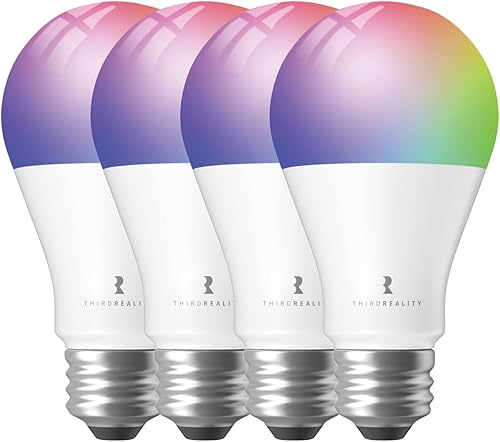
Best for: Users with an existing Zigbee smart home network.
The THIRDREALITY Zigbee ZL1 is unique because it also acts as a signal repeater. This helps strengthen your smart home network by eliminating dead spots in larger areas.
Because it uses the Zigbee standard, it consumes less power than typical Wi-Fi bulbs. This bulb isn’t for users who lack a compatible Zigbee hub, as it won’t function without one of these controllers to manage the signal.
Pros
- Functions as a Zigbee repeater.
- Energy-efficient Zigbee 3.0 standard.
- Wide 2700K-6500K tunable range.
Cons
- Requires a separate Zigbee hub.
How to Choose in Sixty Seconds
Which connectivity type is best for me?
If you want the easiest setup, choose Wi-Fi bulbs like the Kasa Multicolor KL125P4, as they connect directly to your router without extra hardware. If you have a large home or many devices, Zigbee bulbs like the THIRDREALITY Zigbee ZL1 are better because they create a mesh network that doesn’t clog your Wi-Fi. Zigbee bulbs also act as repeaters to eliminate dead spots, which is a major advantage for larger spaces. Matter-certified bulbs like the Sengled Matter A19 offer the best future-proofing, as they’re designed to work across all major platforms. Always check your router’s frequency, as almost all smart bulbs require a standard-frequency connection to pair successfully.
Do I really need a bulb with high lumens?
Higher lumens mean more brightness. If you’re lighting a small bedroom, the standard brightness level is usually enough. For a large living room or a workspace, you should consider the 1000+ lumen options like the Tapo Multicolor L535E or Govee RGBWW A19. Keep in mind that high-brightness bulbs still allow for dimming, so you can always turn them down for a relaxed mood. Don’t mistake wattage for brightness; a 9-watt bulb can provide a standard level of illumination while saving 85% of energy. If you need to brighten a large space, prioritize the lumen count over the wattage equivalent to ensure you get the intensity you require.
Should I prioritize Matter certification?
Matter certification is a new industry standard that makes smart devices work together more smoothly. If you plan to mix and match brands, such as using an Apple home hub with Amazon voice assistants, choosing a Matter-certified bulb like the WiZ Full Color is a smart move. It ensures that your devices will continue to work even if your internet service goes down, as they communicate locally on your network. If you already have a stable ecosystem and don’t plan on adding different brands, standard Wi-Fi bulbs will work perfectly fine for your needs.
The Kasa Multicolor KL125P4 remains our top choice for most homes due to its balance of reliable app control and ease of use. For those who need more power and coverage, the Govee RGBWW A19 is an excellent alternative that delivers significant brightness. Before you buy, double-check that your home Wi-Fi is set to the standard frequency, as this is the most common reason for setup issues with smart lighting. If you choose a Govee bulb, remember that preset saving requires Wi-Fi, so ensure Bluetooth is off during the initial configuration. Once you have chosen your bulbs, start by installing them in a single room to get comfortable with the app settings before expanding to the rest of your home.
Frequently Asked Questions
Do these bulbs require a special hub to work?
Most Wi-Fi bulbs, like the Kasa Multicolor KL125P4, connect directly to your home network without a separate hub. The THIRDREALITY Zigbee ZL1 is an exception, requiring a Zigbee hub or compatible Echo device to function. Ensure you have the necessary hardware before choosing a Zigbee-based bulb.
What happens to my lights if the internet goes out?
For most Wi-Fi bulbs, you’ll lose the ability to control them via the app or voice commands until the internet connection is restored. However, Matter-certified bulbs like the Tapo Multicolor L535E are designed to continue working locally on your network even when the internet is offline, provided you have a local controller. The listing doesn’t mention how bulbs behave when the internet is offline.
Will these bulbs work with my existing light switches?
Most smart bulbs, including the Govee RGBWW A19, are incompatible with traditional wall dimmers. Using a physical dimmer can cause flickering or connectivity issues. Keep your wall switch in the “on” position and manage all brightness and color settings through the bulb’s dedicated app or voice commands.
Do these bulbs need a lot of maintenance?
Smart bulbs are generally low-maintenance devices that function just like standard LEDs once they’re set up. The main task for the owner is ensuring the firmware stays updated through the app to maintain security and compatibility. If a bulb stops responding, a simple power cycle—turning the light switch off and on—is usually enough to reconnect it to your network.
Conclusion Best Value Smart Light Bulbs
Upgrading your home doesn’t have to be expensive or complicated. Once you’ve picked the perfect bulbs for your space, try setting up a simple evening schedule to automate your lighting. You’ll quickly see how these small changes make your daily routine feel a bit more comfortable and convenient every single day.