Quick Summary
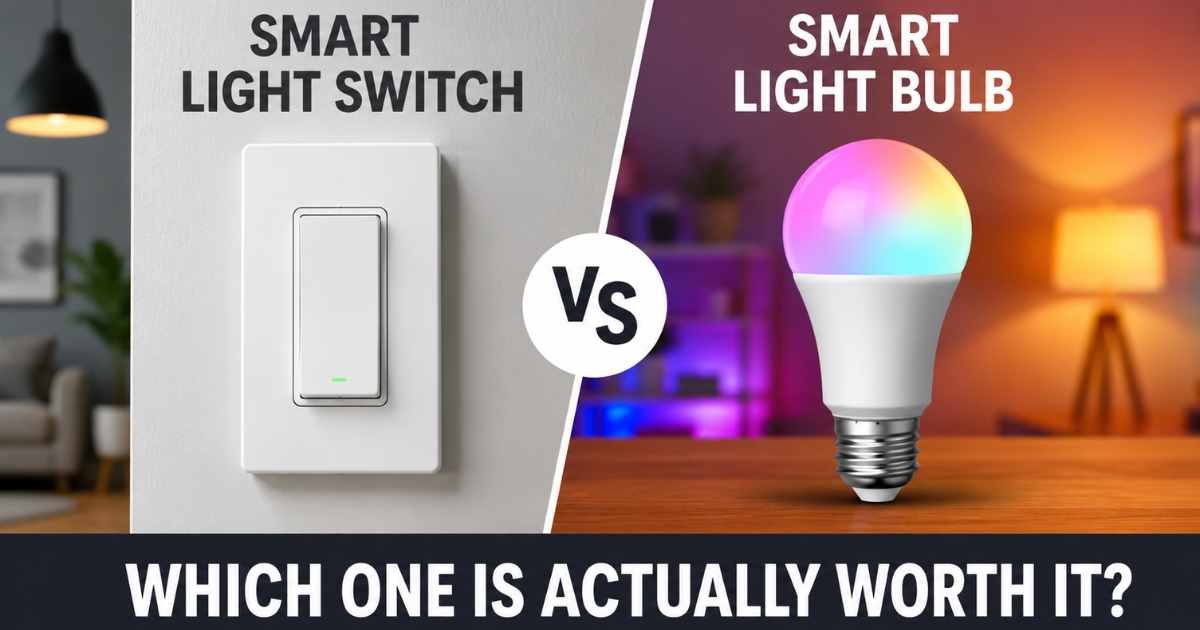
Not sure whether to go with a smart light switch vs smart bulb? Here’s the short version.
The Kasa HS200P3 switch is built into your wall. It works with any regular bulb and controls the whole room from one spot. The Kasa KL125P4 bulbs screw into any lamp and give you 16 million colors plus adjustable white tones. Both connect to Wi-Fi and work without a hub.
- Best for most people: Kasa HS200P3 Smart Switch (reliable, works with any bulb)
- Best budget choice: Kasa KL125P4 Smart Bulbs (lower upfront cost per bulb)
- Best premium choice: Kasa HS200P3 (long-term value, no bulb replacements)
- Best for color and mood lighting: Kasa KL125P4 Smart Bulbs
How We Evaluated These Products
We did not test these products personally. Our analysis is based on verified customer reviews, Amazon ratings, official product specifications from Kasa (TP-Link), and patterns from thousands of public buyer reviews.
We looked at what buyers praise most, what complaints come up again and again, and what the specs actually tell us about real-world use. We compared setup difficulty, long-term cost, smart home compatibility, and everyday convenience.
We also looked at who each product works best for — and who should probably skip it.


Kasa Smart Light Switch HS200P3
Overview
The Kasa HS200P3 is a smart light switch alternative to smart bulbs that installs directly inside your wall. It replaces your existing light switch, allowing you to control your lights from your phone, with voice commands, or through automated schedules.
It comes in a convenient 3-pack, making it a practical choice for outfitting multiple rooms with smart lighting controls.
Kasa reports that over 4 million users trust its products, making the HS200P3 a popular option for homeowners looking to upgrade their lighting system without replacing individual bulbs.
Key Features of the Kasa HS200P3
App-Guided Setup
The Kasa app walks you through installation step by step. You don’t have to figure it out alone. Many buyers say the app makes the process straightforward — even for people who’ve never wired anything before.
That said, it does require a neutral wire inside your wall. Older homes sometimes don’t have one. If you’re unsure, Kasa recommends calling an electrician. This is one of the most common reasons buyers run into trouble.
Remote Control from Anywhere
Once it’s set up, you can turn your lights on or off from anywhere. Phone in your pocket at the office? You can check if you left the lights on and switch them off. Many buyers mention this as their favorite feature — especially for peace of mind when traveling.
Voice Control
The switch works with Amazon Alexa and Google Assistant. You just say the word and the lights respond. Reviewers commonly report this works reliably and quickly after setup.
Scheduling and Away Mode
You can set timers so lights turn on at sunset or off at bedtime. The “Away Mode” makes your lights switch on and off randomly — a simple way to make your home look occupied when you’re out of town.
Safety Rating
The HS200P3 is UL certified. That means it’s been tested and approved for safe home use. It also carries an IP54 rating and supports 15 amps at 120 volts.
Real Buyer Feedback on the HS200P3
What buyers love most:
- The setup app is clear and easy to follow
- Works reliably with Alexa and Google Home
- Scheduling is simple to set up and actually works
- The 3-pack value is hard to beat
What buyers complain about:
- Requires a neutral wire — a dealbreaker for some older homes
- Only works on 2.4GHz Wi-Fi (not 5GHz)
- No dimming feature on this model
- Some buyers report occasional disconnects from Wi-Fi, though this seems to affect a small number of users
Surprising finding: Many buyers say they bought one to test it and then immediately ordered more for other rooms. That’s a good sign for long-term satisfaction.
Who Should NOT Buy the Kasa HS200P3
If your home doesn’t have neutral wires in the switch box, this product won’t work without rewiring. You’d need an electrician to check first, and that adds cost.
If you’re renting, you might not be allowed to swap out wall switches. In that case, smart bulbs make more sense since they don’t require any permanent changes.
If you want color-changing lights or the ability to dim, this specific model doesn’t support dimming. You’d need to look at a different Kasa switch model.
Pros and Cons — Kasa HS200P3
Pros
- Works with any regular light bulb (LED, incandescent, CFL)
- Controls the whole room from one switch
- Physical switch still works normally during power outages
- Comes in a 3-pack for better value
- 2-year manufacturer warranty
- No hub required
Cons
- Requires neutral wire (not available in all homes)
- No dimming on this model
- 2.4GHz Wi-Fi only
- Installation requires some basic wiring knowledge
Kasa Smart Light Bulbs KL125P4
Overview
The Kasa KL125P4 is a multicolor smart bulb that screws into any standard E26 socket. It’s a plug-and-play option — no wiring, no tools. You screw it in, download the Kasa app, and you’re done.
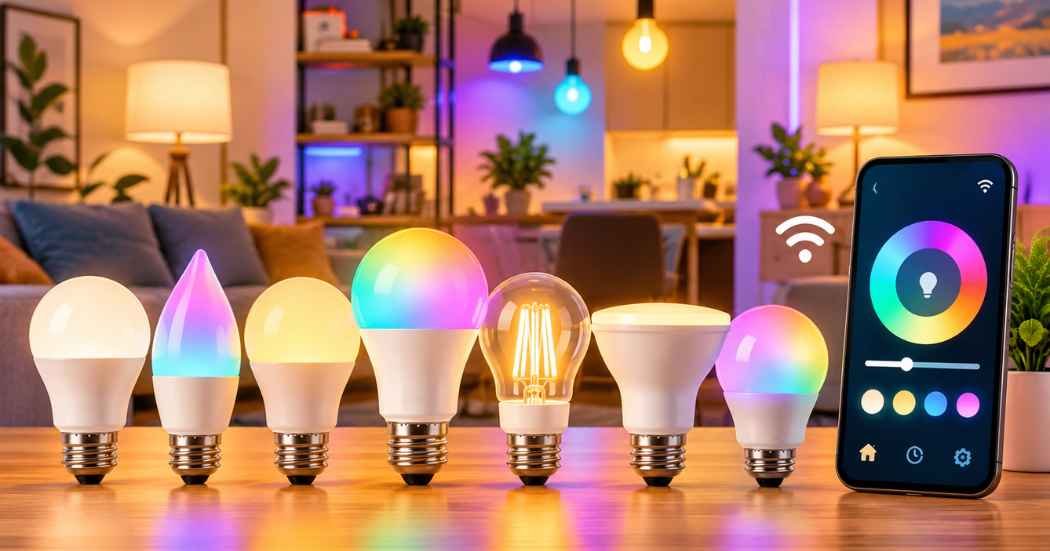
Each bulb uses 9 watts of power while producing 800 lumens of brightness, equivalent to a traditional 60-watt bulb. You get 16 million colors plus tunable white tones ranging from warm (2500K) to cool (6500K).
Kasa reports that over 6 million users trust its products, making it a popular choice for smart home lighting.
Key Features of the Kasa KL125P4
16 Million Colors
These bulbs go way beyond on/off. You can pick any color from the full spectrum — deep reds, cool blues, warm ambers, and everything between. Buyers use them for parties, holiday decorating, gaming setups, and just changing the vibe of a room.
Tunable White Light
The Auto White feature adjusts the color temperature throughout the day. It can shift from warm yellow tones in the morning to cool white tones for work — automatically. Reviewers commonly report this is one of their favorite features for everyday use.
Energy Monitoring
You can see how much electricity each bulb is using in real time through the app. This is a useful feature for keeping tabs on energy costs. Not many smart bulbs at this price include energy monitoring.
Remote Control and Scheduling
Like the switch, these bulbs connect to the Kasa app and work from anywhere. You can schedule them to turn on at sunset, wake you up with a soft glow, or turn off automatically at night. Voice control works through Alexa and Google Assistant.
No Hub Required
Everything connects directly to your 2.4GHz Wi-Fi. You don’t need a separate hub or bridge device.
Real Buyer Feedback on the KL125P4
What buyers love most:
- Easy setup — takes less than 10 minutes
- Colors are vivid and accurate
- Scheduling works reliably
- Auto White feature is genuinely useful day-to-day
- Energy monitoring is a bonus many didn’t expect
What buyers complain about:
- Only works on 2.4GHz Wi-Fi, same limitation as the switch
- Some buyers report the bulbs disconnecting occasionally
- If someone flips the physical switch off, the smart features stop working
- Bulbs may need replacing over time, adding long-term cost
The physical switch problem is real. This is the biggest everyday frustration buyers mention. If anyone in your household turns off the wall switch, the bulb loses power and you lose all smart functionality. You’d have to turn the switch back on manually first.
Compared to the switch: Buyers who switched from smart bulbs to smart switches often report fewer connection issues and less frustration with the physical switch problem. But the bulbs win on color and flexibility.
Who Should NOT Buy the Kasa KL125P4
If anyone in your home regularly uses the physical wall switch — kids, roommates, guests — smart bulbs will frustrate you. The moment the switch gets flipped, the bulbs go dumb until the switch is turned back on.
If you want simple, reliable on/off control without the color complexity, the smart switch is a better fit. Smart bulbs come with more settings than many people will ever use.
If you’re outfitting a whole house with multiple light fixtures per room, the cost adds up fast. Smart switches are often cheaper in the long run for multi-bulb rooms.
Pros and Cons — Kasa KL125P4
Pros
- No wiring required — works in any standard socket
- 16 million color options plus tunable white
- Energy monitoring built in
- Perfect for renters
- Easy 5-minute setup
- Works with Alexa and Google Assistant
Cons
- Loses smart function if wall switch is turned off
- 2.4GHz only
- Long-term bulb replacement costs
- Not ideal for multi-bulb rooms on a budget
Head-to-Head Comparison
Smart Light Switch vs Smart Bulb: Kasa HS200P3 vs Kasa KL125P4 Full Comparison
Feature | Kasa HS200P3 Switch | Kasa KL125P4 Bulbs |
Build Quality | Polycarbonate in-wall switch | Plastic A19 LED bulb |
Performance | Reliable on/off, no dimming | Dimmable, color-changing |
Ease of Use | Needs wiring; easy after setup | Plug and play, fastest setup |
Installation | Requires neutral wire + wiring | Screw in, no tools needed |
Compatibility | Works with any bulb | Needs standard E26 socket |
Energy Efficiency | Depends on bulbs used | 9W (60W equivalent) |
Durability | Long-lasting, no replacements | Rated 730 days; needs replacing |
Value for Money | 3-pack, great long-term value | 4-pack, mid-term value |
Best For | Whole-room control, permanent setup | Color lighting, renters, flexibility |
Smart Light Switch vs Smart Bulb Performance Comparison
The HS200P3 wins on reliability. Because it controls power at the wall, it doesn’t depend on the bulb staying powered. Anyone can flip the switch like normal and smart features still work through the app — because the switch itself is smart, not the bulb.
The KL125P4 wins on features. You get colors, dimming, tunable white tones, and energy monitoring. For pure functionality, the bulbs offer more. But all of that functionality disappears the moment the wall switch is turned off manually.
For day-to-day reliability in a busy household, the switch has the edge.
Smart Light Switch vs Smart Bulb Ease of Use Comparison
Setup speed: smart bulbs win. You screw them in and you’re done in minutes. No tools, no electrical know-how needed.
Long-term ease: smart switches win. Once installed, you never have to think about it again. The switch works for everyone — including guests who don’t know about your smart home setup.
Smart bulbs require some household training. Anyone who turns off the wall switch breaks the system. That’s an ongoing friction point many buyers underestimate.
Smart Light Bulbs vs Smart Switches Features Compared
The KL125P4 bulbs pull ahead on features — 16 million colors, auto white adjustment, real-time energy tracking, and full dimming control. If you want to change the mood of a room on a whim, bulbs are the clear winner.
The HS200P3 switch keeps things simple. On, off, schedule, voice control. That’s it. But for the majority of use cases — bedroom, living room, hallway — that’s honestly all most people need.
The smart light bulbs vs smart switches decision often comes down to one question: do you want a light that changes colors, or do you want a reliable switch that never causes problems?
Smart Light Bulbs vs Smart Switches Setup and Compatibility
Both products need 2.4GHz Wi-Fi. If your router only broadcasts 5GHz, neither will work without adjusting your network settings.
Both use the Kasa app. If you already use other Kasa products, these integrate neatly into one app.
The switch requires a neutral wire. This is the biggest compatibility concern. Many buyers in older homes (pre-1980s construction) find their switch boxes don’t have this wire. Before ordering, it’s worth opening your switch box to check — or asking an electrician.
The bulbs need a standard E26 socket. This is the most common socket size in the US, so compatibility is rarely an issue.
Both work with Alexa and Google Assistant. Neither works with Apple HomeKit natively.
Buying Guide
What Actually Matters When Choosing
Your living situation matters most. Renters can’t swap wall switches. If you’re renting, smart bulbs are the obvious choice. If you own your home and plan to stay a while, the switch pays off faster.
Who else lives with you matters. Kids, older family members, and guests will flip wall switches. If that’s your household, smart bulbs will frustrate everyone. The switch lets people use it like a normal switch while you still get smart features.
How many bulbs are in each fixture matters. A chandelier with 6 bulbs costs $60–$90 just for the bulbs. One smart switch covers all 6 for the same price or less. For rooms with multiple bulbs, switches usually win on cost.
Common Buyer Mistakes
Assuming smart bulbs are always cheaper. Per room, they often aren’t. You’re paying per bulb, not per room.
Forgetting to check for a neutral wire. This catches a lot of buyers off guard. Always check before ordering the switch.
Not thinking about who uses the lights. If you live alone and you’re the only one touching the switches, smart bulbs work fine. If other people are in the house, the “wall switch problem” becomes very real very fast.
Buying smart bulbs for a room with multiple light fixtures. The cost adds up and complexity increases. A switch is cleaner.
Long-Term Cost
Smart bulbs have a rated lifespan of around 730 days (about 2 years) under normal use. After that, you’re buying replacements. Smart switches don’t wear out the same way — the switch itself can last 10+ years.
Over five years, a room with four bulbs might need two rounds of replacements. That’s an extra $30–$45 you wouldn’t spend with a switch.
When Upgrading Makes Sense
If you already have smart bulbs but you’re constantly annoyed by the wall switch problem, upgrading to a smart switch is probably worth it. Most buyers who make that switch report they wish they’d done it sooner.
If you have plain smart bulbs and want color, upgrading to color bulbs like the KL125P4 makes sense. You get a lot more out of your existing setup without any wiring work.
Quick Winner Breakdown
Best Overall: Kasa HS200P3 Smart Switch — reliable, works with any bulb, great long-term value
Best Budget Choice: Kasa KL125P4 Smart Bulbs — lower upfront cost, no installation required
Best Premium Choice: Kasa HS200P3 — better long-term ROI, permanent smart functionality
Best Features: Kasa KL125P4 — colors, dimming, energy monitoring all in one bulb
Best for Beginners: Kasa KL125P4 — plug in and done, no wiring needed
Best for Advanced Users: Kasa HS200P3 — integrates cleanly into a full smart home setup
Other Options to Consider
Lutron Caseta Smart Switch — A step up from the Kasa switch in terms of build quality and reliability. Works without a neutral wire, which is a major advantage for older homes. Requires a Lutron hub, which adds cost, but many smart home enthusiasts consider it worth it.
Philips Hue Color Bulbs — The most well-known color smart bulb brand. They have a wider ecosystem of accessories and better color accuracy than most competitors. They require a Philips Hue Hub for full features, which adds to the startup cost. A good choice if you plan to build out a larger smart lighting setup.
Kasa Smart Dimmer Switch (KS220) — If you like the idea of the HS200P3 but also want dimming control, the KS220 is worth a look. It gives you in-wall smart switching plus the ability to dim without needing a special smart bulb.
Final Verdict
The smart light switch vs smart bulb debate doesn’t have one universal answer. It depends on your home, your habits, and who you live with.
Buy the Kasa HS200P3 switch if:
- You own your home
- You have neutral wires in your switch boxes
- Other people in your household use the lights
- You want reliable, long-term smart control without thinking about it
- You’re outfitting a room with multiple bulbs
Buy the Kasa KL125P4 bulbs if:
- You’re renting and can’t touch the wiring
- You want color-changing or dimmable light
- You live alone or with one other person who understands the wall switch issue
- You want to set up smart lights in under 10 minutes
- You’re on a tight budget right now and want to start somewhere
The honest winner for most households is the smart light switch vs smart bulb matchup going to the switch. It’s more reliable day-to-day, it works for every person in the house, and it saves money over time. But if color and flexibility matter to you — or if you’re renting — the bulbs are the right call.
My Pick: Kasa HS200P3 Smart Switch — best for homeowners who want reliable, whole-room smart lighting without daily friction.
Common Questions
Is a smart light switch vs smart bulb worth buying in 2026?
Yes, both options are worth it — but for different reasons. Smart switches are worth it if you want reliable, long-term control that works for everyone in your home. Smart bulbs are worth it if you want color, easy setup, or you’re renting. Both options from Kasa are well-reviewed and genuinely reliable at their price point.
Do I need an electrician to install the Kasa HS200P3 switch?
Not always. If you’re comfortable with basic wiring and your home has a neutral wire, many buyers install it themselves using the Kasa app guide. But if you’ve never worked with electrical wiring before, hiring an electrician is a smart move. It usually only takes them 15–30 minutes.
What are the biggest differences in smart light bulbs vs smart switches?
Smart bulbs plug into any lamp socket, require no wiring, and can change colors or dim. Smart switches replace your wall switch, require wiring and a neutral wire, but they control the whole room reliably and work for everyone — not just app users. The smart light bulbs vs smart switches difference really comes down to flexibility (bulbs) versus reliability (switches).
Will these products work if my Wi-Fi goes down?
No. Both the Kasa switch and the Kasa bulbs need an active Wi-Fi connection for app and voice control. If your Wi-Fi goes down, the physical switch still works normally for the HS200P3, and the bulbs can still be controlled by turning the wall switch on or off manually. Smart scheduling and remote access won’t work without internet.
Can I use smart light bulbs vs smart switches together in the same room?
Technically, yes — but it’s not ideal. If you put a smart bulb into a fixture controlled by a smart switch, you should leave the switch always on and control the bulb from the app only. Mixing both in the same room often creates confusion and the risk of cutting power to the bulb accidentally. Most buyers choose one or the other per room.