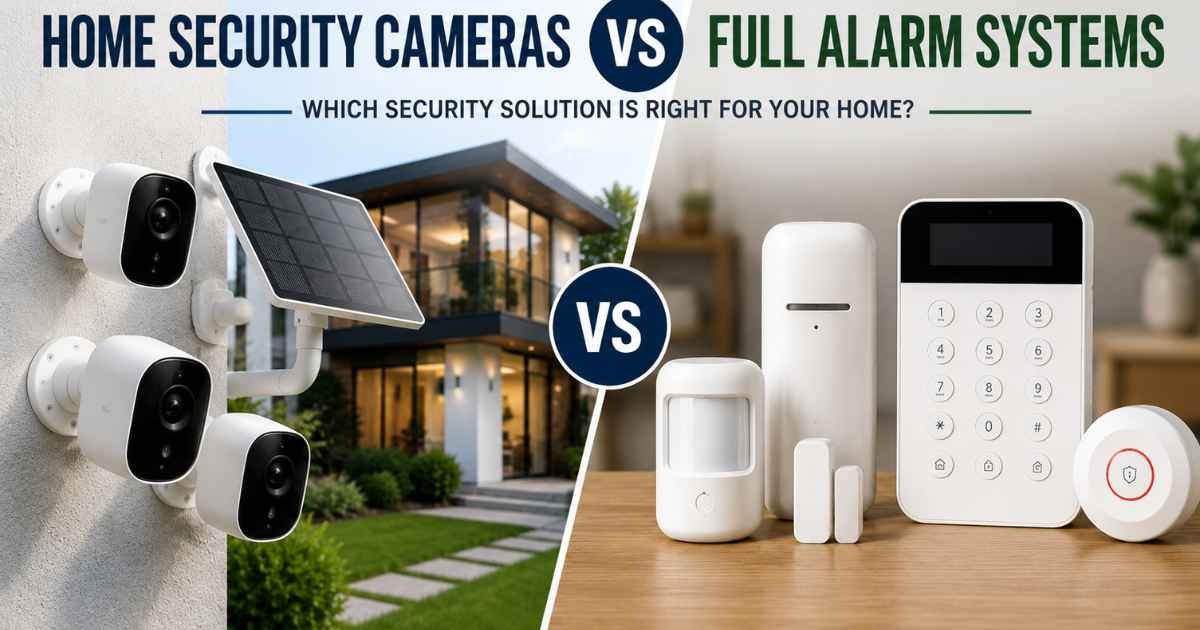
Choosing between home security cameras vs full alarm systems can feel confusing. Both products protect your home — but in different ways. The aosu 4-cam solar kit gives you visual coverage with no monthly fees. SimpliSafe adds motion sensors, door sensors, and optional professional monitoring. Read on to find out which one fits your life.
- Best for most people: aosu Solar 4-Cam Kit (no subscription, great coverage)
- Best budget choice: aosu Solar 4-Cam Kit (one-time cost)
- Best premium choice: SimpliSafe 8-Piece with monitoring plan
- Best for full home protection: SimpliSafe 8-Piece System
Table of Contents
How We Evaluated These Products


We did not test these products ourselves. Our evaluation is based on verified Amazon customer reviews, public star ratings, and official product specs.
We looked at what buyers praised most. We also noted common complaints and repeat issues. We compared features side by side. We checked setup difficulty, long-term costs, and smart home support. This gives you an honest picture before you spend your money.
aosu Solar 4-Cam Kit — Full Review
Overview
The aosu Solar 4-Cam Kit is a wireless outdoor camera system. It comes with four cameras, a base station called aosuBase, cables, and mounting hardware. It runs on solar power and stores footage locally — no monthly fees needed.
This kit is best for homeowners who want full outdoor coverage without paying for a cloud plan. Many buyers choose it because the 32GB local storage holds up to 4 months of video. Even if a camera breaks, your recordings stay safe on the base station.
The typical price range puts it in the mid-range for outdoor camera systems. You pay once and that’s it.
Key Features of aosu Solar 4-Cam Kit
Solar Powered — No Charging Needed
Each camera has a built-in solar panel. Just 3 hours of sunlight per day keeps it running. Buyers say it works even on cloudy days. This matters because you never have to take cameras down to charge them.
No Subscription Required
The aosuBase stores all videos locally in encrypted MP4 format. You get 32GB of storage from day one. Many buyers say this is the top reason they picked aosu over other brands. No hidden costs. No monthly bills.
360° Pan & Tilt + Auto Tracking
The cameras move in all directions. If something moves in the target area, the camera follows it. Buyers say this cuts down on blind spots. You get full coverage without buying extra cameras.
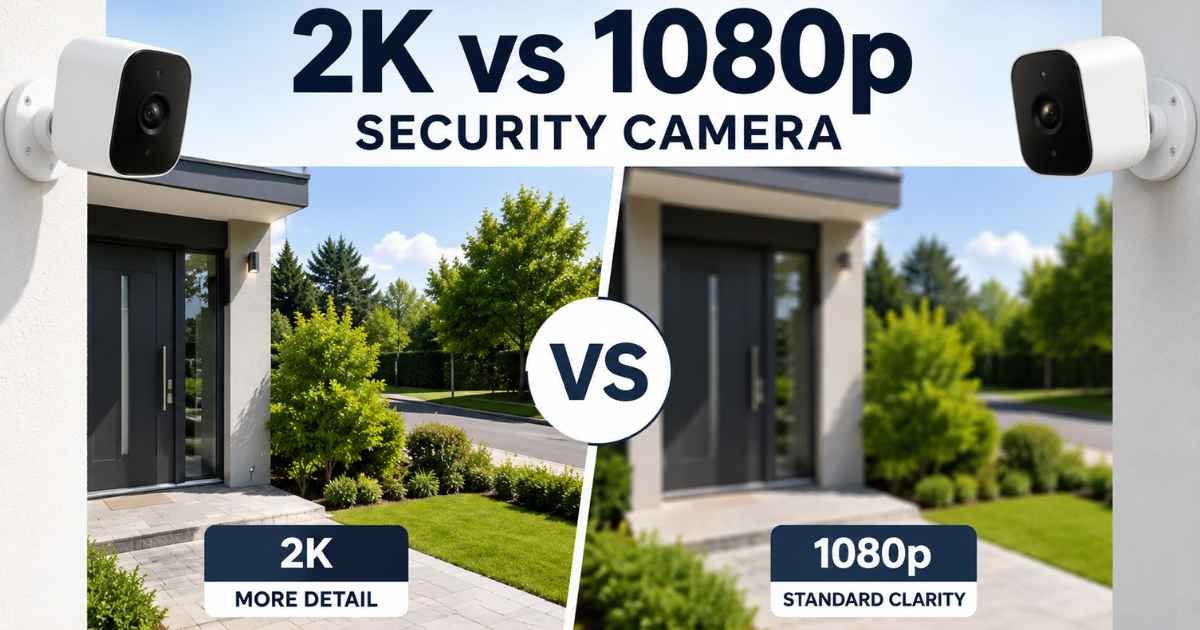
2K Color Night Vision
Four LED lights give these cameras better night coverage than most. Reviewers say the night footage is clear and in color — not just grainy black and white. This helps you actually identify people and vehicles at night.
Cross-Camera Tracking
If a person moves from one camera’s view to another, the system links those clips together. Buyers say this makes reviewing events much easier. You don’t have to scrub through hours of footage from different cameras.
2-Way Audio
You can talk and listen through the cameras. Reviewers use this to greet delivery people or warn off strangers.
Works with Alexa and Google Assistant
You can check live feeds by voice. The app also works on smartphones for remote viewing.
Real Buyer Feedback on aosu Solar 4-Cam Kit
What buyers love:
- Many reviewers say setup takes about 5 minutes per camera
- The solar charging works reliably, even in partly cloudy weather
- Buyers love that there’s no monthly subscription
- Night vision color quality gets repeated praise
- The auto-tracking feature gets called out as a real standout
- 4-camera coverage feels complete for most home exteriors
Repeated complaints:
- Some buyers say the app takes a little getting used to at first
- A few reviewers mention Wi-Fi range limitations if cameras are far from the router
- Some users want higher zoom capability beyond the 6x digital zoom
Honest drawbacks:
The aosuBase needs a power outlet nearby. The cameras are wireless but the hub needs wired power. Also, this is outdoor-only. If you want indoor coverage too, you’d need extra cameras.
Who Should NOT Buy aosu Solar 4-Cam Kit
If you want professional monitoring — someone to call police on your behalf — this isn’t for you. The aosu system alerts you, but you handle the response.
If you need indoor sensors, door alarms, or a panic button, this system won’t cover those. It’s a camera-only setup. Great for seeing what happens. Not great for triggering an audible alarm.
If your roof or mounting area gets very little sunlight, the solar charging may not be reliable. You’d need to think about placement carefully.
Pros and Cons
Pros
- No subscription — zero monthly fees ever
- Solar powered — runs forever once installed
- 360° coverage with auto motion tracking
- 2K color night vision
- 32GB local storage included
- Works with Alexa and Google Assistant
Cons
- Outdoor cameras only — no indoor option in the kit
- aosuBase needs a power outlet
- Wi-Fi range can be limiting for large properties
SimpliSafe 8-Piece Wireless System — Full Review
Overview
The SimpliSafe 8-Piece System is a full home alarm system. It includes a base station, keypad, motion sensors, entry sensors, and a panic button. You can use it with or without professional monitoring.
This system covers entry points like doors and windows. It also blankets full rooms with motion detection. It’s best for people who want a real alarm — not just cameras.
Optional professional monitoring starts at less than $1 per day. There are no long-term contracts. You can cancel anytime.
Key Features of SimpliSafe 8-Piece System
Entry Sensors — Protect Doors and Windows
Entry sensors alert you when someone opens a door or window. You can also set Secret Alerts — a quiet notification that someone opened a cabinet or closet. Buyers say this is useful for monitoring kids or keeping track of private areas.
Motion Sensors — 35-Foot Coverage
Each motion sensor covers up to 35 feet with a 90° field of view. They work well with pets under 60 lbs. Buyers say placing one in a corner covers a whole room.
Panic Button
Press it and the alarm sounds fast. There’s a silent panic option too — for when you need help but don’t want to make noise. This requires a professional monitoring subscription.
Smash-Safe Keypad
The keypad lights up when you need it and goes dark otherwise. Buyers say it’s easy for the whole family to use. It’s wireless so you can place it anywhere.
Battery Backup and Cellular Backup
If the power goes out, the base station has up to 24 hours of battery. If Wi-Fi fails, cellular backup kicks in — but that requires a monitoring plan. Buyers say this is a big deal for storm-prone areas.
Works with Alexa and Google Assistant
You can arm and disarm by voice. The SimpliSafe app gives full control from anywhere.
1 Free Month of Professional Monitoring
SimpliSafe includes one free month when you buy the system. After that, monitoring is optional. No contracts. Reviewers appreciate the flexibility.
Real Buyer Feedback on SimpliSafe 8-Piece System
What buyers love:
- Setup takes under 30 minutes — no wiring needed
- Buyers call it beginner-friendly
- The optional monitoring gives peace of mind without locking you in
- Entry sensors are praised for reliability
- The panic button is called a standout safety feature
- Battery and cellular backup earn trust from buyers in areas with frequent outages
Repeated complaints:
- Professional monitoring costs add up over time
- Some buyers want built-in cameras — the system alone doesn’t include them
- A few reviewers mention the app needs improvement
- Cellular backup only works with a paid monitoring plan
Comparison to aosu:
Unlike aosu, SimpliSafe doesn’t give you visual footage by default. You’d need to add cameras separately. But SimpliSafe does things aosu can’t — door alarms, panic buttons, and professional police dispatch.
Honest drawbacks:
The base system without monitoring is limited. You’ll hear the alarm, but no one responds for you. And if you want cameras too, that’s an additional purchase.
Who Should NOT Buy SimpliSafe 8-Piece System
If you want cameras — not just sensors — SimpliSafe alone won’t give you that. You’d need to add a separate camera system.
If you’re not in the US, this product isn’t for you. SimpliSafe is only sold and supported in the United States.
If you don’t want any monthly fees at all, the base system works without monitoring — but you lose the cellular backup and panic button functionality.
Pros and Cons
Pros
- Full alarm system — covers doors, windows, and rooms
- No wiring needed — truly wireless setup
- Optional professional monitoring with no contract
- Battery and cellular backup for power outages
- Panic button for emergencies
- Pet-friendly motion sensors (under 60 lbs)
Cons
- No cameras included — visual monitoring costs extra
- Cellular backup requires a paid monitoring plan
- US only — not available in other countries
- Monthly monitoring cost adds up long-term
Home Security Cameras vs Full Alarm Systems: aosu vs SimpliSafe Full Comparison
Feature | aosu Solar 4-Cam Kit | SimpliSafe 8-Piece |
Build Quality | Durable plastic, IP65 waterproof | Lightweight plastic, indoor-grade |
Performance | 2K video, auto tracking, color night vision | Motion sensors, entry alerts, panic button |
Ease of Use | Easy app setup, voice control | Very beginner-friendly, no wiring |
Installation | Drill 3 holes, 5 min per camera | No drilling required |
Compatibility | Alexa, Google, SmartThings | Alexa, Google |
Energy Efficiency | Solar powered — runs forever | Battery powered — lasts up to 24hrs backup |
Durability | IP65 weatherproof, outdoor-rated | Indoor-rated components |
Value for Money | One-time cost, no subscription | Low upfront, ongoing monitoring fees |
Best For | Outdoor visual surveillance | Full home alarm with optional monitoring |
Home Security Cameras vs Full Alarm Systems — Performance Comparison
aosu performs better for visual monitoring. You see exactly what happened, in color, at night or day. The auto-tracking means you won’t miss movement across your yard.
SimpliSafe performs better for triggering alerts and responses. When a door opens or motion trips a sensor, it alerts you fast. With monitoring enabled, it can dispatch police without you doing anything.
These are two different types of performance. aosu shows you what happened. SimpliSafe responds to it.
Home Security Cameras vs Full Alarm Systems — Ease of Use Comparison
Both systems are easy to set up. aosu cameras take about 5 minutes each to mount and connect. SimpliSafe takes under 30 minutes for the whole kit — no drilling, no wires.
SimpliSafe wins for ease if you’re not comfortable with physical installation. aosu wins for ease of daily use — the solar power means you never touch it after setup.
Home Security Cameras vs Full Alarm Systems — Features Compared
aosu gives you more visual features — 2K resolution, color night vision, auto tracking, 2-way audio, 360° coverage, and cross-camera tracking. These are camera-focused features.
SimpliSafe gives you more alarm features — entry sensors, motion sensors, a panic button, cellular backup, and professional monitoring. These are response-focused features.
Home Security Cameras vs Full Alarm Systems — Setup and Compatibility
aosu works with Alexa, Google Assistant, and SmartThings. SimpliSafe works with Alexa and Google. Both have smartphone apps.
aosu needs Wi-Fi and a power outlet for the base station. SimpliSafe is fully wireless and doesn’t need a power outlet for sensors — only the base station.
Buying Guide
What Matters Most
Ask yourself: do you want to see what’s happening, or do you want to trigger a response?
Cameras show you events after or during they happen. Alarm systems react immediately and can call for help.
Features That Actually Matter
For cameras: Look for night vision quality, resolution, field of view, and local vs cloud storage. The aosu kit covers all of these well.
For alarm systems: Look for sensor types, backup power, professional monitoring options, and contract terms. SimpliSafe scores well on all of these.
Common Buyer Mistakes
- Buying cameras and thinking that’s enough. Cameras record. They don’t stop someone.
- Paying for monitoring you’ll never use. If you’re always home, self-monitoring might be fine.
- Ignoring Wi-Fi range. Cameras far from your router may disconnect.
- Forgetting about indoor coverage. The aosu kit is outdoor only.
Budget Considerations
aosu costs more upfront but nothing after. SimpliSafe costs less upfront but adds up with monitoring fees. Over 2–3 years, aosu may be the more affordable total cost.
Long-Term Value
aosu: Once it’s up, it runs on solar forever. Maintenance is low. Storage is local and never costs extra.
SimpliSafe: Works well long-term. But without monitoring, you lose key features. Factor in monthly costs before deciding.
When Upgrading Makes Sense
Start with cameras if you just want to know what’s happening around your home. Upgrade to a full alarm system when you want a faster response — or professional help when you’re not home.
Quick Winner Breakdown
Best Overall: aosu Solar 4-Cam Kit — better value, no ongoing costs, great features
Best Budget: aosu Solar 4-Cam Kit — one-time purchase, no subscriptions
Best Premium Choice: SimpliSafe 8-Piece with professional monitoring
Best Features: aosu for visual features; SimpliSafe for alarm features
Best for Beginners: SimpliSafe — no drilling, easy app, guided setup
Best for Advanced Users: aosu — more camera control, app customization, and smart home support
Other Options to Consider
Ring Alarm 5-Piece Kit A solid middle-ground alarm system. Works well with Ring cameras if you already own them. Ring’s ecosystem is large and well-supported.
Wyze Cam Outdoor v3 A very affordable outdoor camera option. No solar, but battery-powered. Good for budget buyers who want just one or two cameras.
Arlo Pro 4 Spotlight Camera Premium wireless camera with color night vision and no hub required. More expensive than aosu but has a strong reputation for video quality.
Final Verdict
Who should buy aosu Solar 4-Cam Kit?
Buy aosu if you want outdoor visual surveillance with no monthly fees. It’s best for homeowners who want to see what’s happening around their property — front yard, backyard, driveway, garage. The solar power and local storage make it a true set-and-forget solution.
Who should buy SimpliSafe 8-Piece System?
Buy SimpliSafe if you want a real alarm system — one that covers doors, windows, and rooms, and can alert professionals when you’re not home. It’s best for people who want fast police response and peace of mind, even when they’re asleep or traveling.
Honest winner in the home security cameras vs full alarm systems debate:
It depends on what you’re missing. If you have no cameras, start with aosu. If you have cameras but no alarm, start with SimpliSafe. If you can only pick one, aosu gives you more protection per dollar without any ongoing costs.
Main trade-offs:
aosu gives you eyes. SimpliSafe gives you a voice that calls for help.
Long-term value:
aosu wins on long-term cost. SimpliSafe wins if you pay for monitoring and need fast professional response.
My Pick: aosu Solar 4-Cam Kit — best for most homeowners who want full outdoor coverage without a monthly bill.
Common Questions
Is the decision between home security cameras vs full alarm systems worth thinking about in 2026?
Yes. Both categories have improved a lot. The real question is whether you need visual coverage, alarm response, or both. Most homes benefit from combining cameras and sensors together.
Does the aosu kit work without internet?
The cameras need Wi-Fi to connect and stream. But local recordings on the aosuBase work even if the internet goes down. You can review footage later.
Can SimpliSafe work without a monitoring plan?
Yes. The base system works without monitoring. You’ll still get app alerts and the alarm will sound. But you lose cellular backup and the panic button dispatch feature.
Are home security cameras vs full alarm systems compatible with smart home setups?
Both products work with Alexa and Google Assistant. aosu also supports SmartThings. Neither requires a hub beyond their own base stations.
What’s the biggest mistake buyers make when choosing between cameras and alarm systems?
Thinking one replaces the other. Cameras show you what happened. Alarms respond to it. For full protection, most security experts recommend using both.